Portfolio

Professional

Grub Lab

Roller Skate and Serve

A fast-paced WebGL game where players skate through a busy diner, take orders, cook food, avoid spoilage, and serve customers before they lose patience. Designed, built, and optimised entirely as a solo developer.
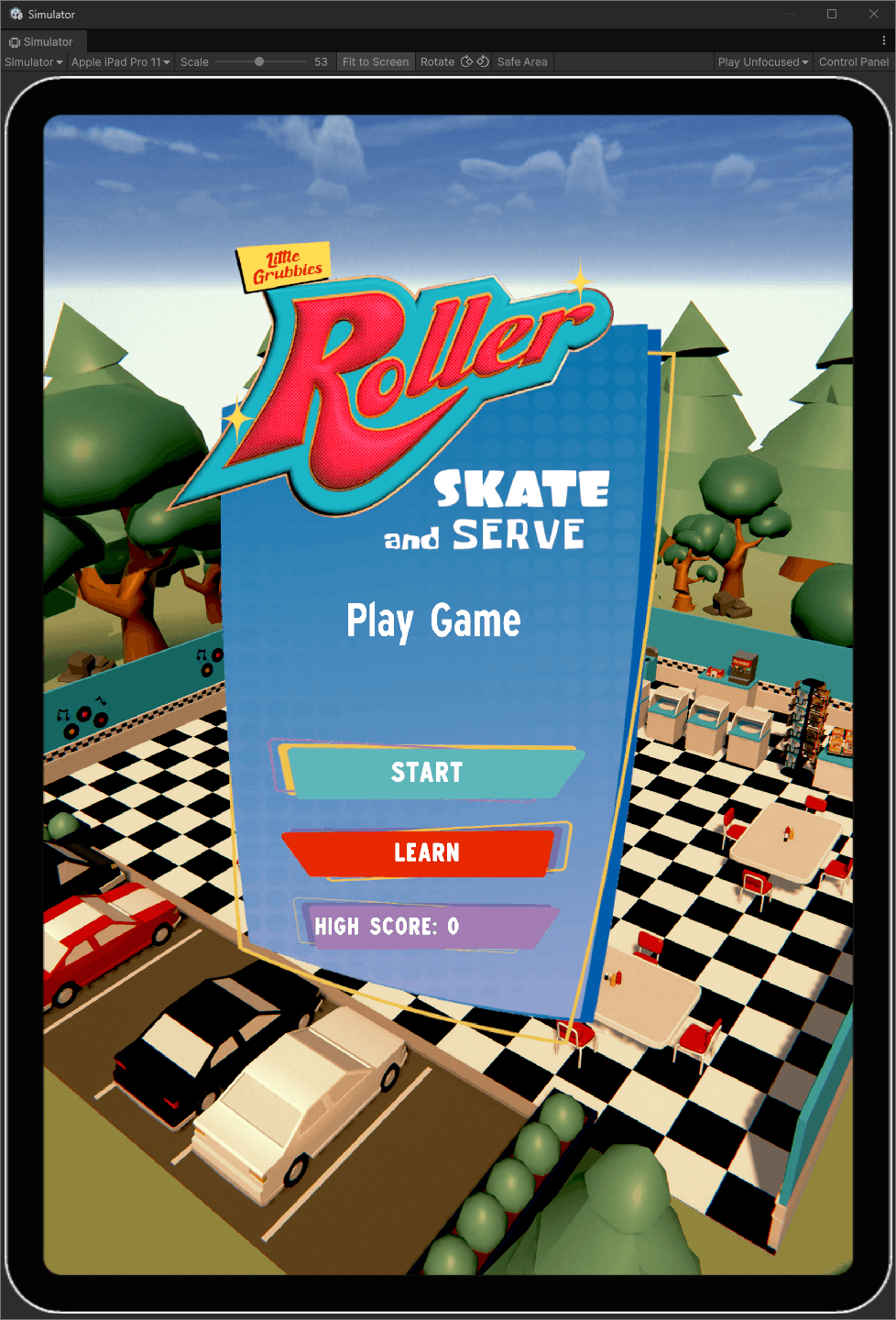
Main menu page for roller skate and serve

Features

  • Custom skate movement controller tailored for mobile and WebGL
  • Dynamic customer spawning using adult/child variants with gender variation
  • Advanced object pooling system for customers, food items, VFX, and particles
  • Ordering and interaction system enabling seamless player–customer flow
  • Kitchen simulation with cooking timers, spoilage mechanics, and task juggling
  • Inventory system for holding multiple food types
  • Upgradeable gameplay (food variety, improved equipment, cooking speed, customer soothing effects)
  • NavMesh-based customer behaviour for pathing, queuing, and leaving
  • Full in-game tutorial system onboarding players step-by-step
  • UI systems for timers, orders, interactions, upgrades, scoring, and progression

Notable Achievements

  • Pitched and developed the full game end-to-end as the solo programmer
  • Worked collaboratively with designer and modeller to deliver a high-quality product
  • Performed heavy WebGL optimisation ensuring stable performance on low-end hardware

Screenshots
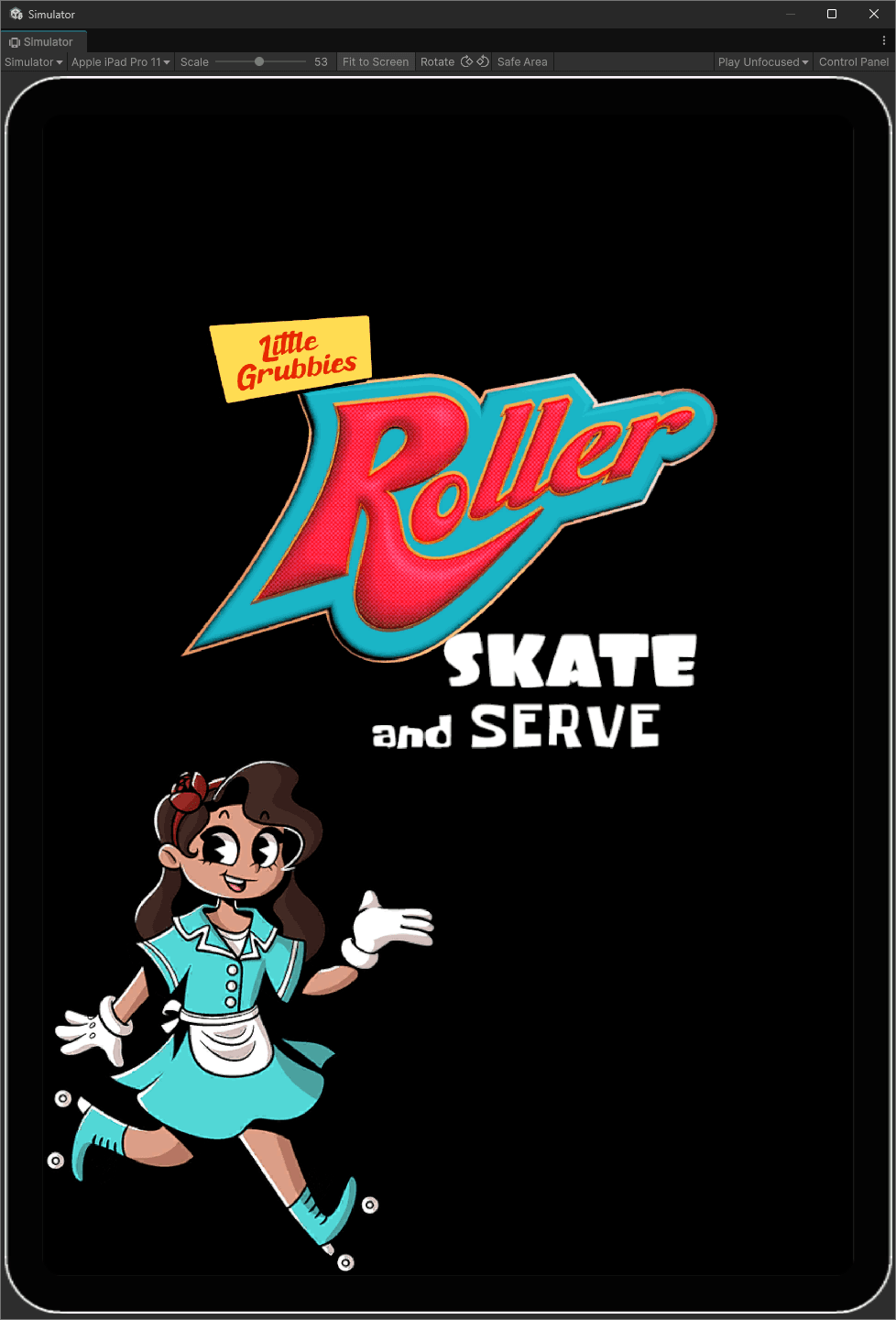
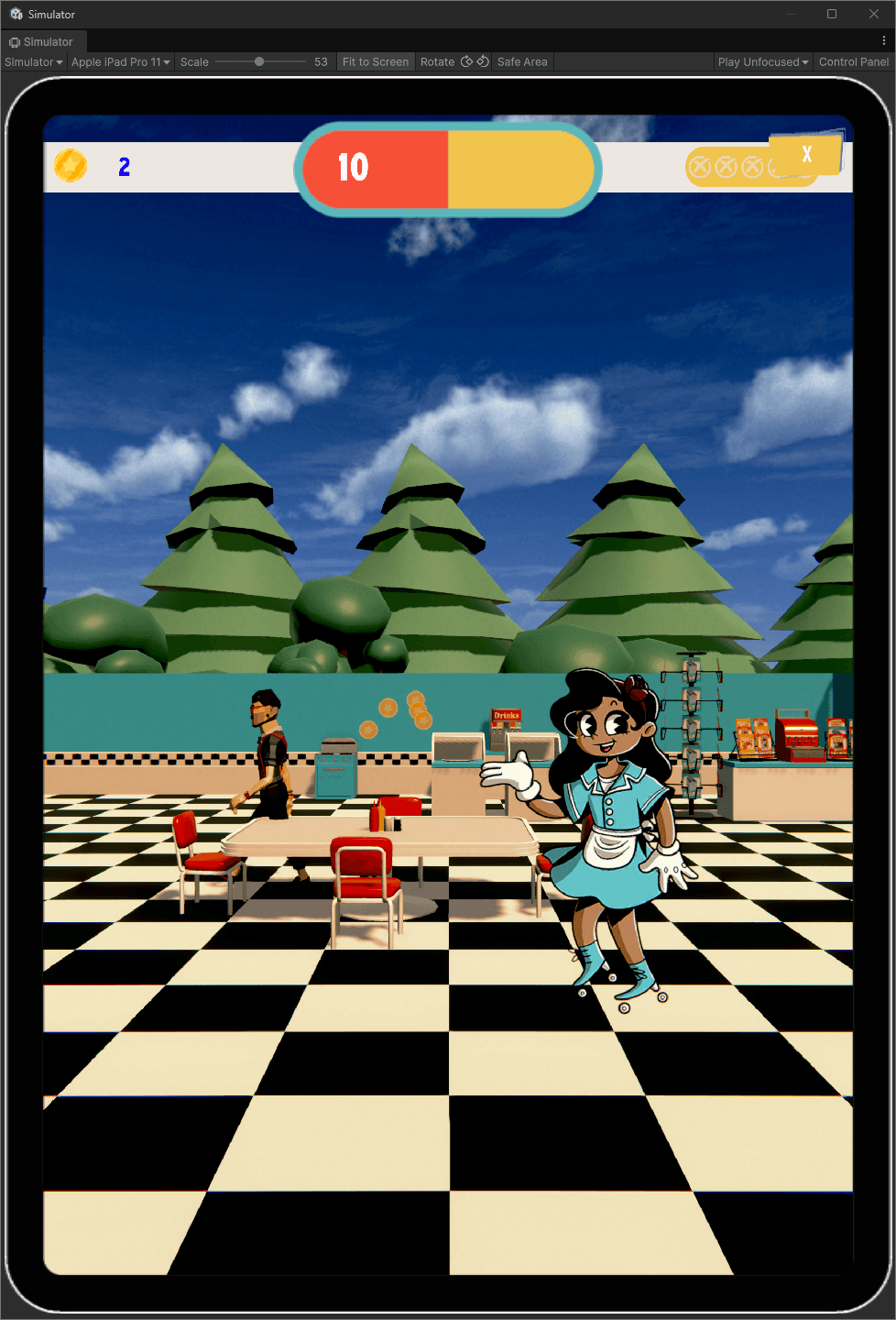
Title page for roller skate and serve
Main menu page for roller skate and serve
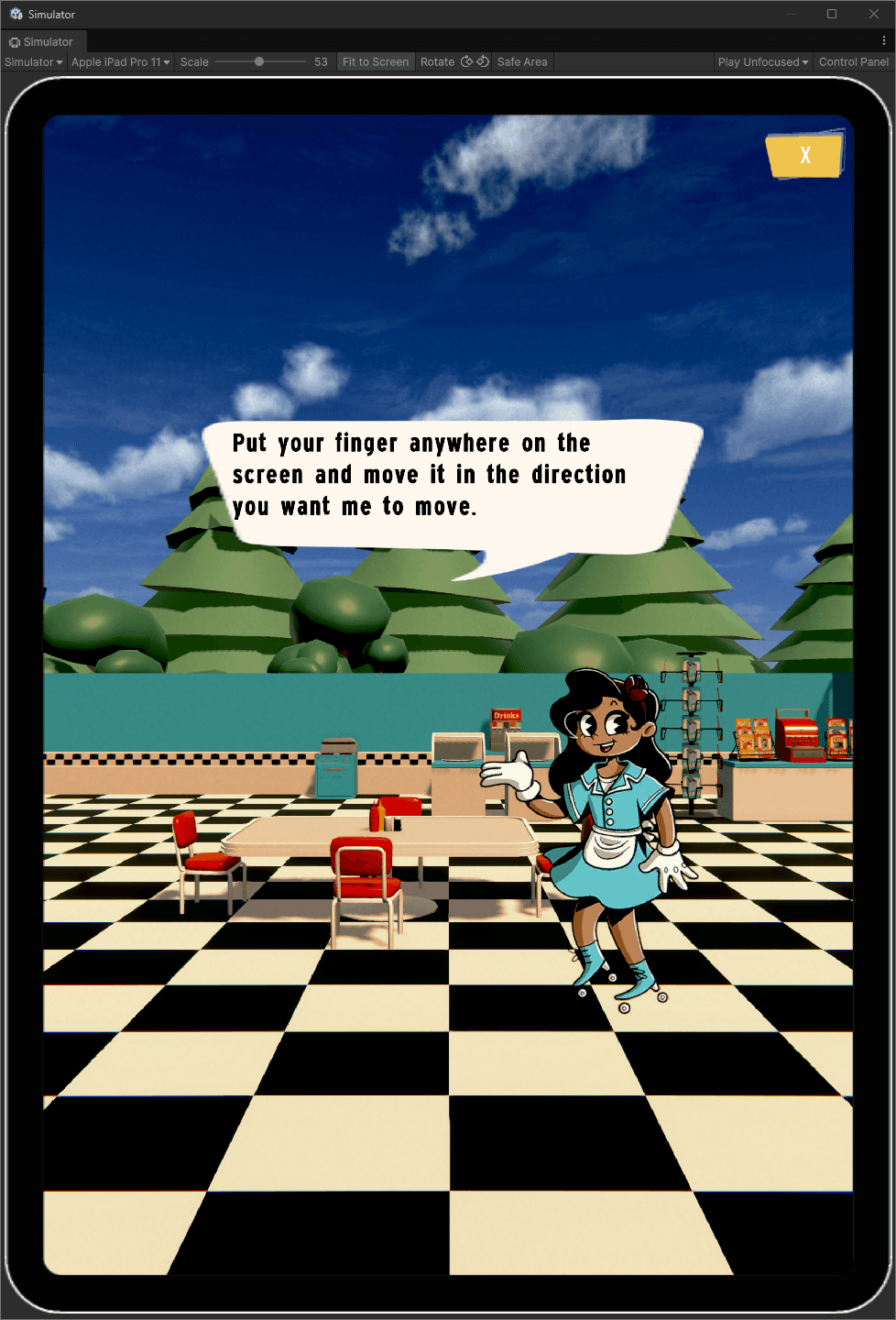
Image of the tutorial explaining how to move
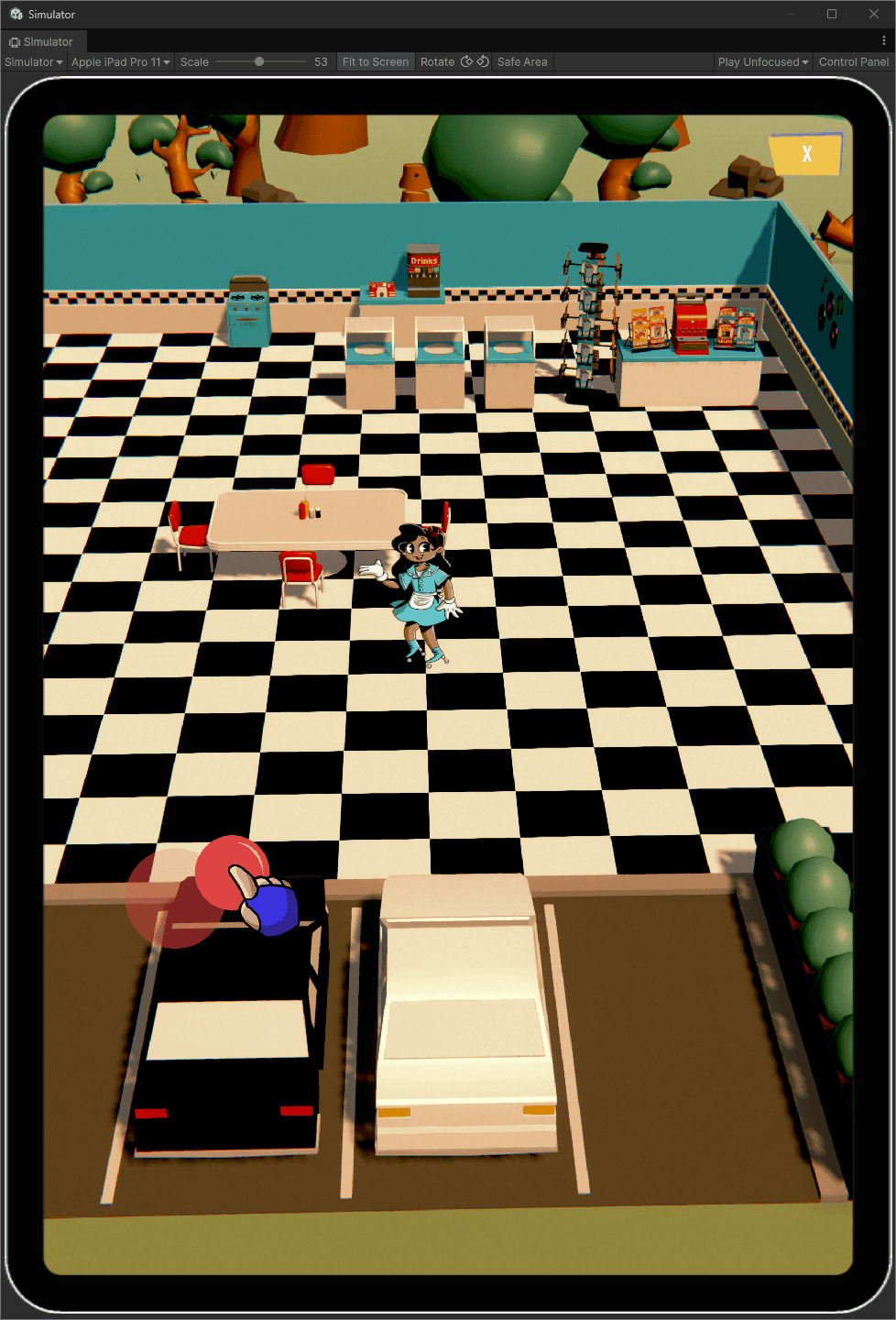
Image of the tutorial showing the thumbstick prompt on how to move
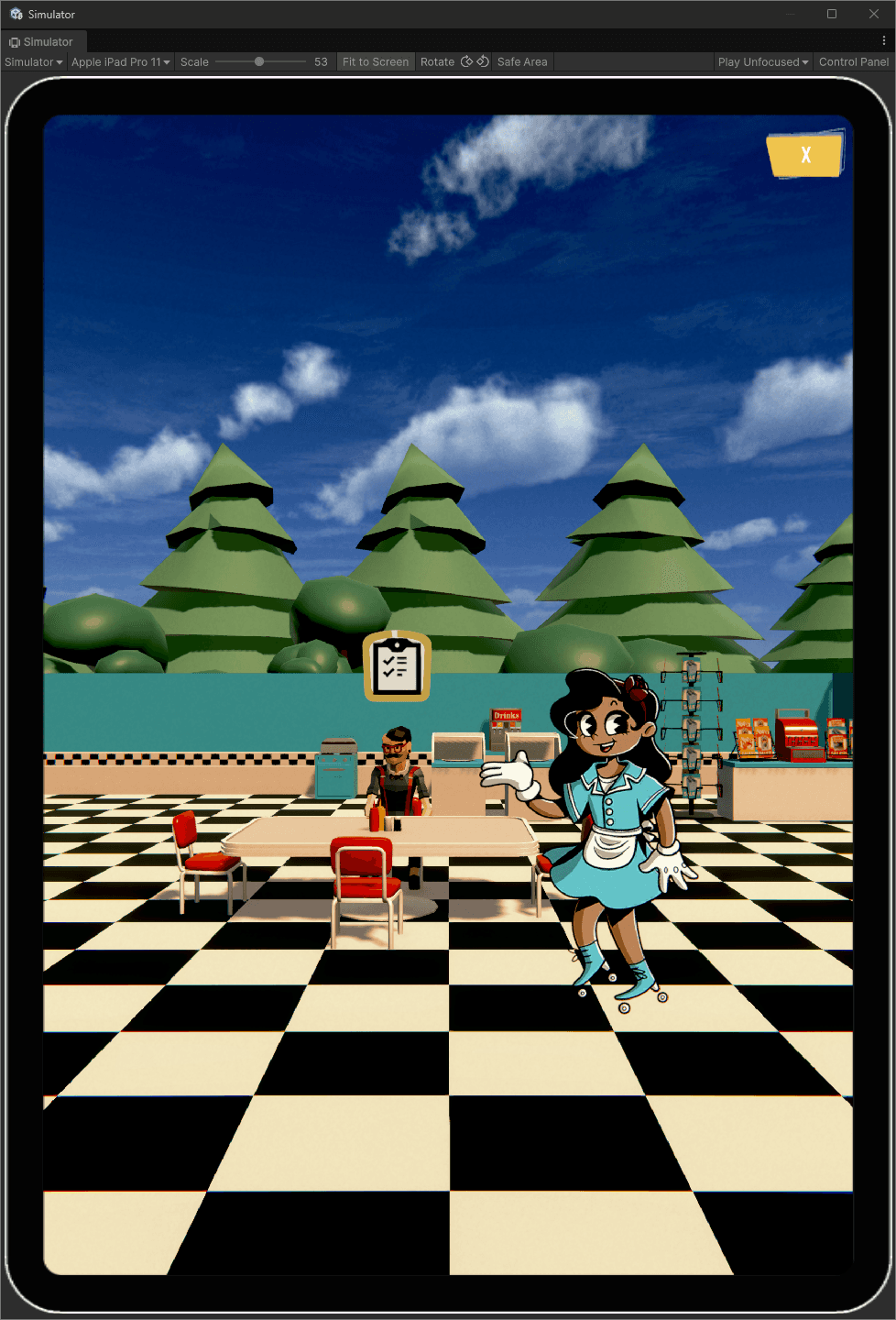
Image of the tutorial showing the customer waiting to order
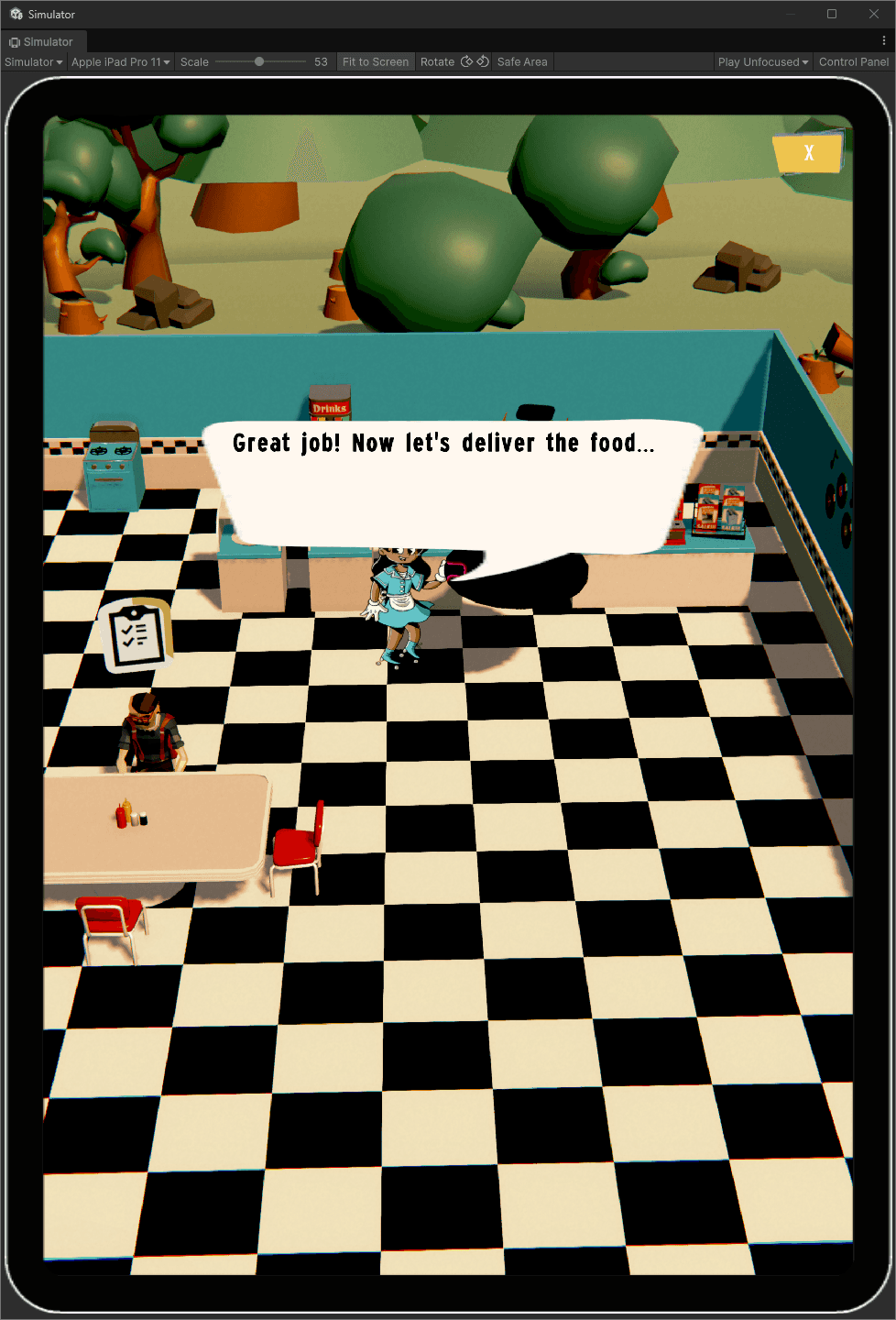
Image of the tutorial with the server saying Great Job! Now let's deliver the food
Image of the tutorial with the customer tipping and showing a coin particle
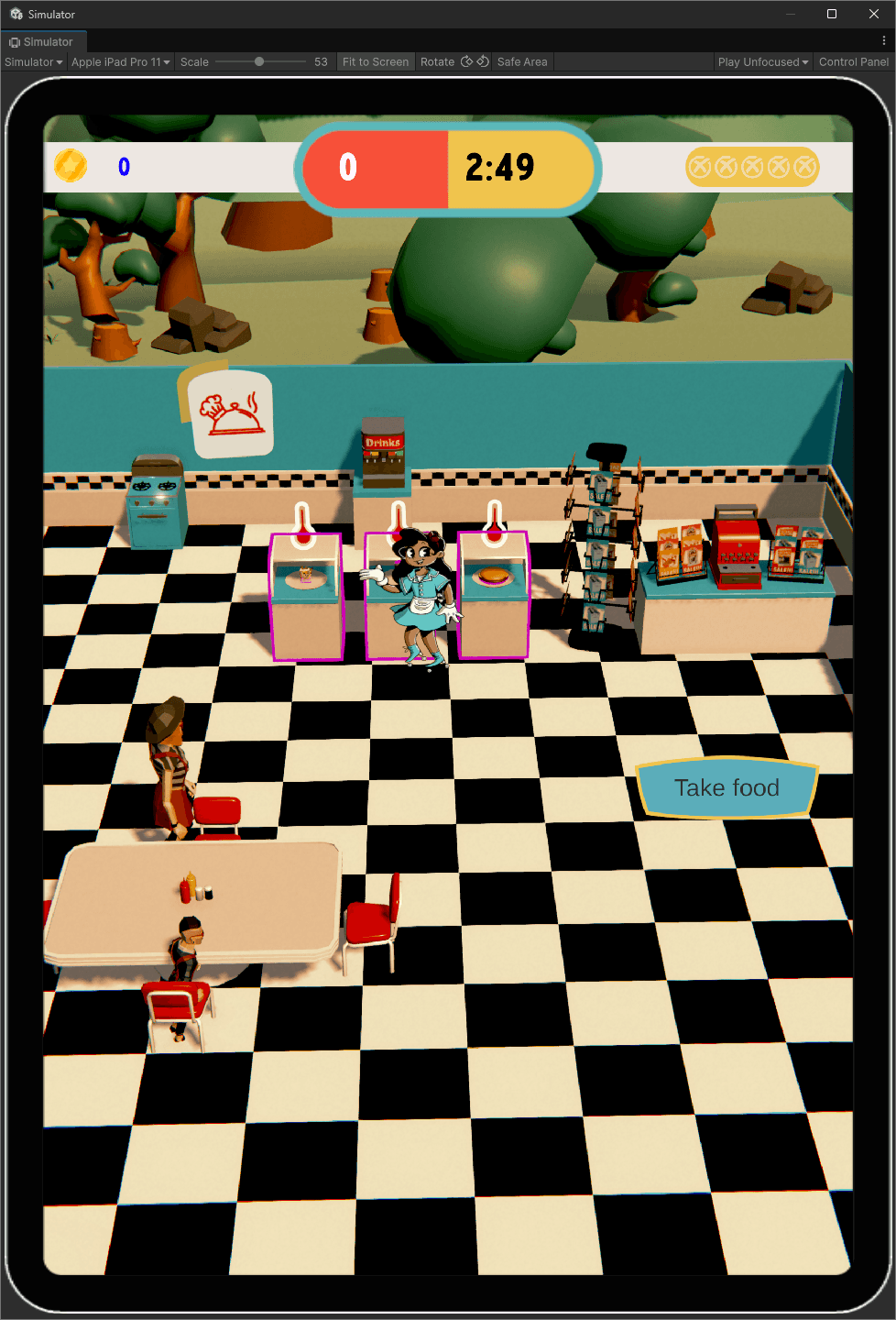
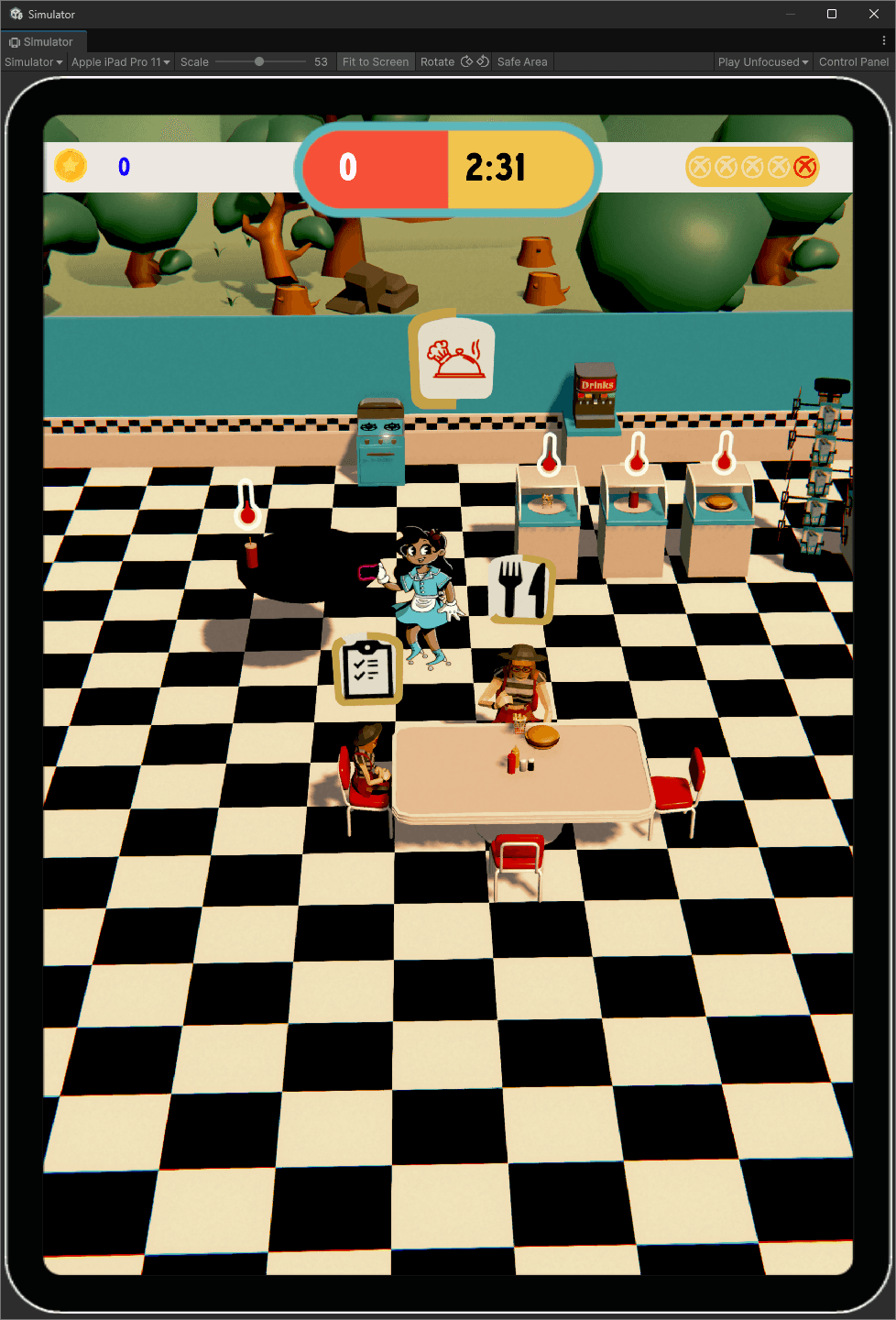
Image of game play showing the food counter. take food prompt, a customer waiting to order and kides running around
Image of game play showing the food counters inventory
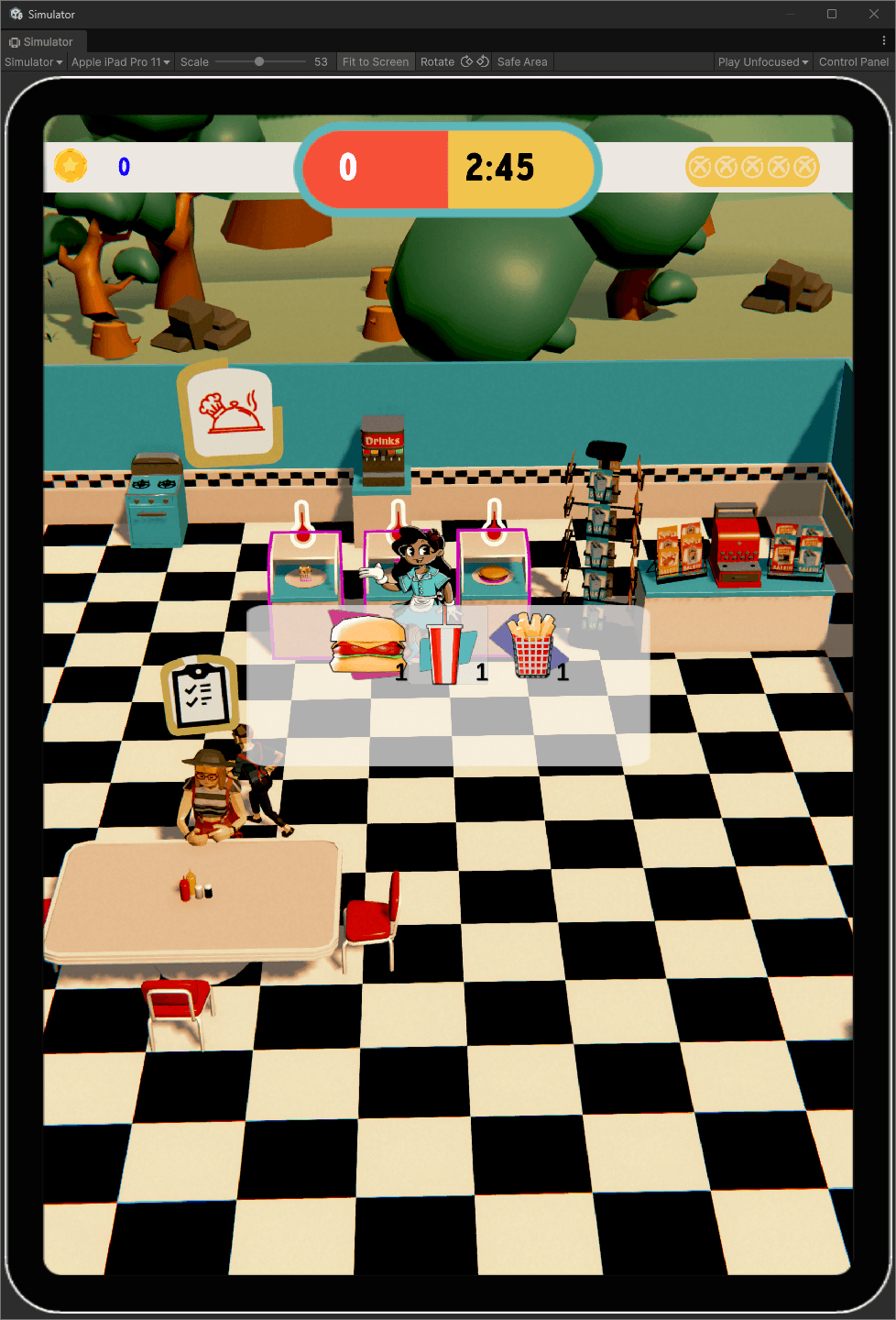
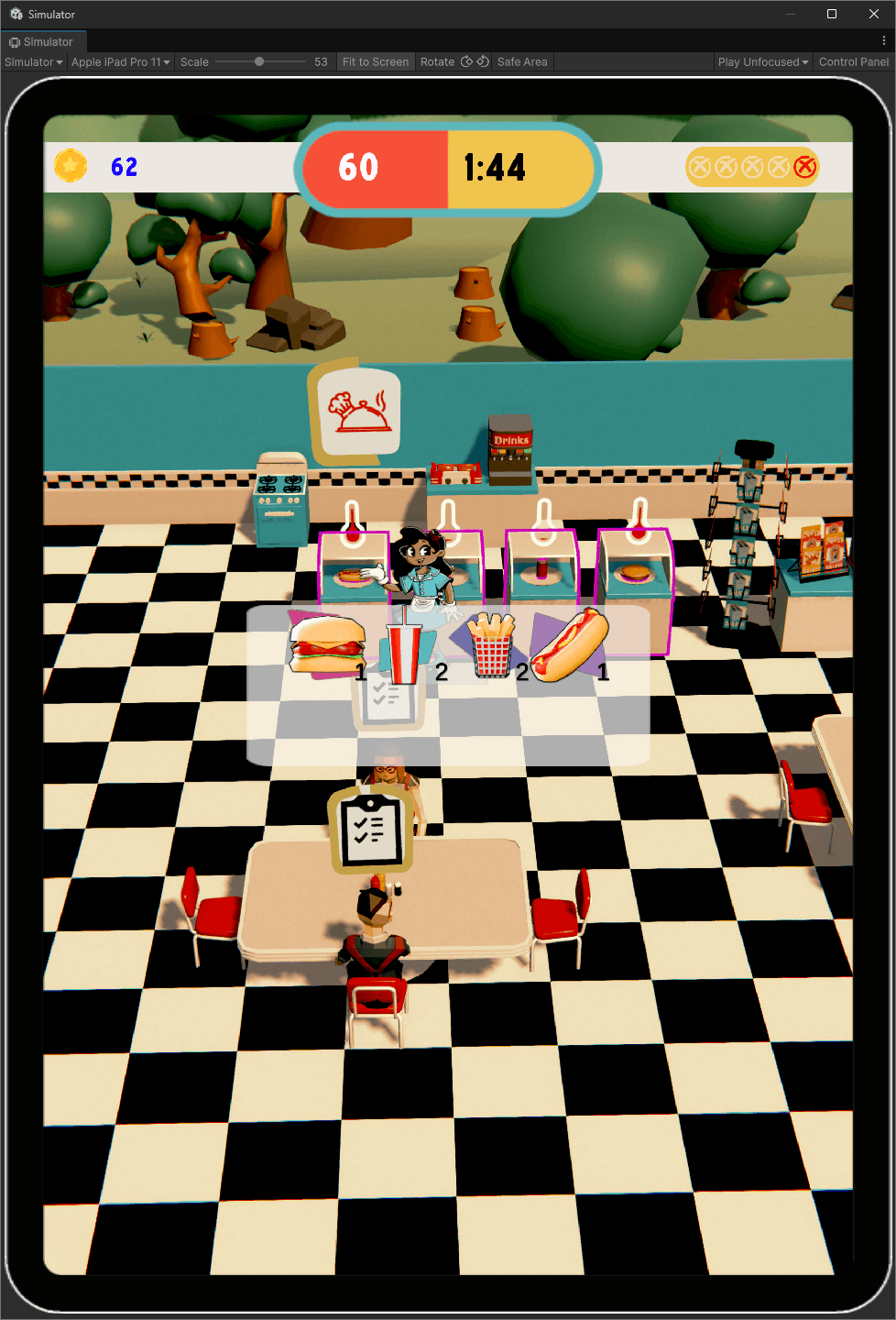
Image of game play showing the customer order, and the player inventory
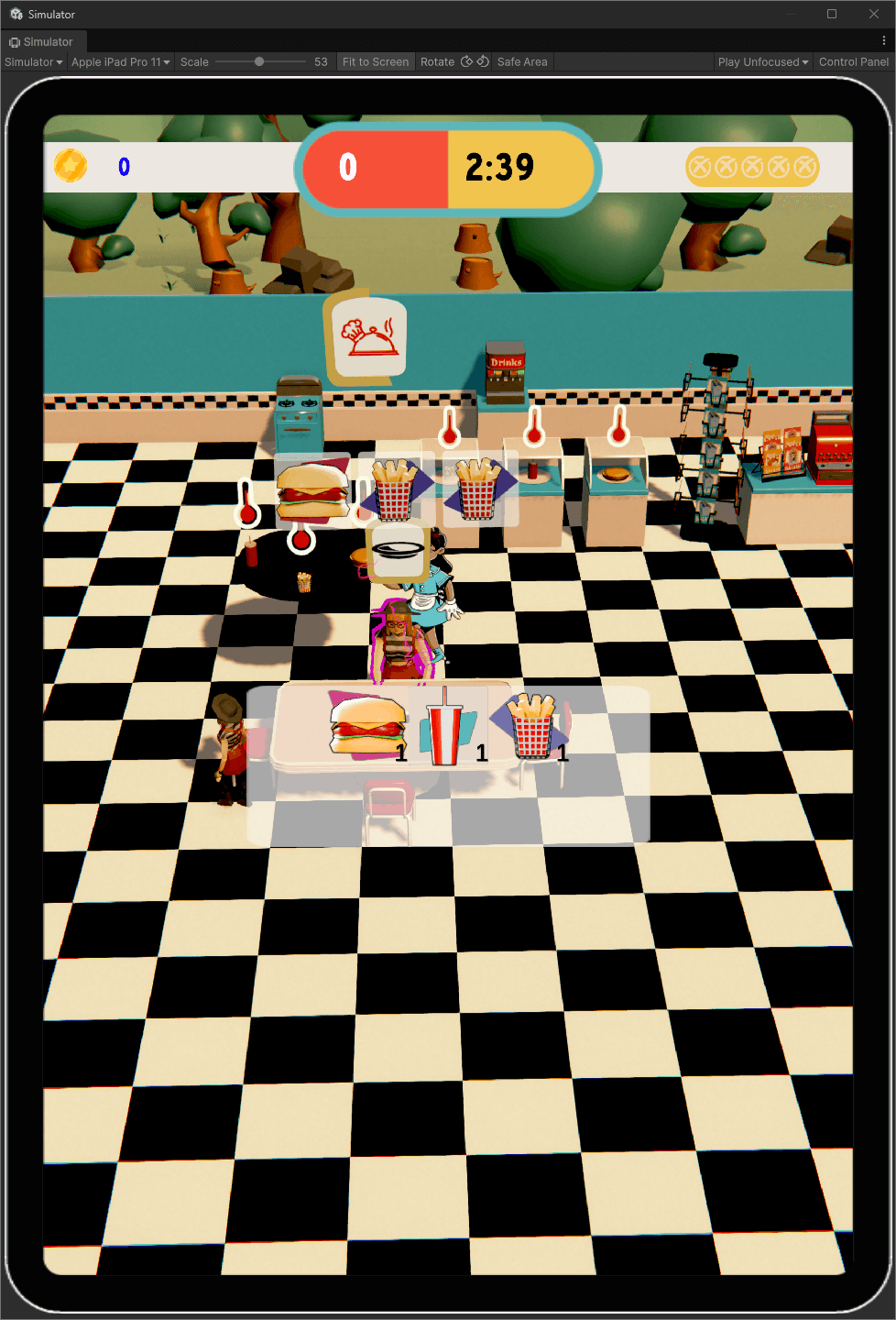
Image of game play showing the player with their food tray which visually shows the drink in the inventory, a customer waiting to order and a customer eating a burger
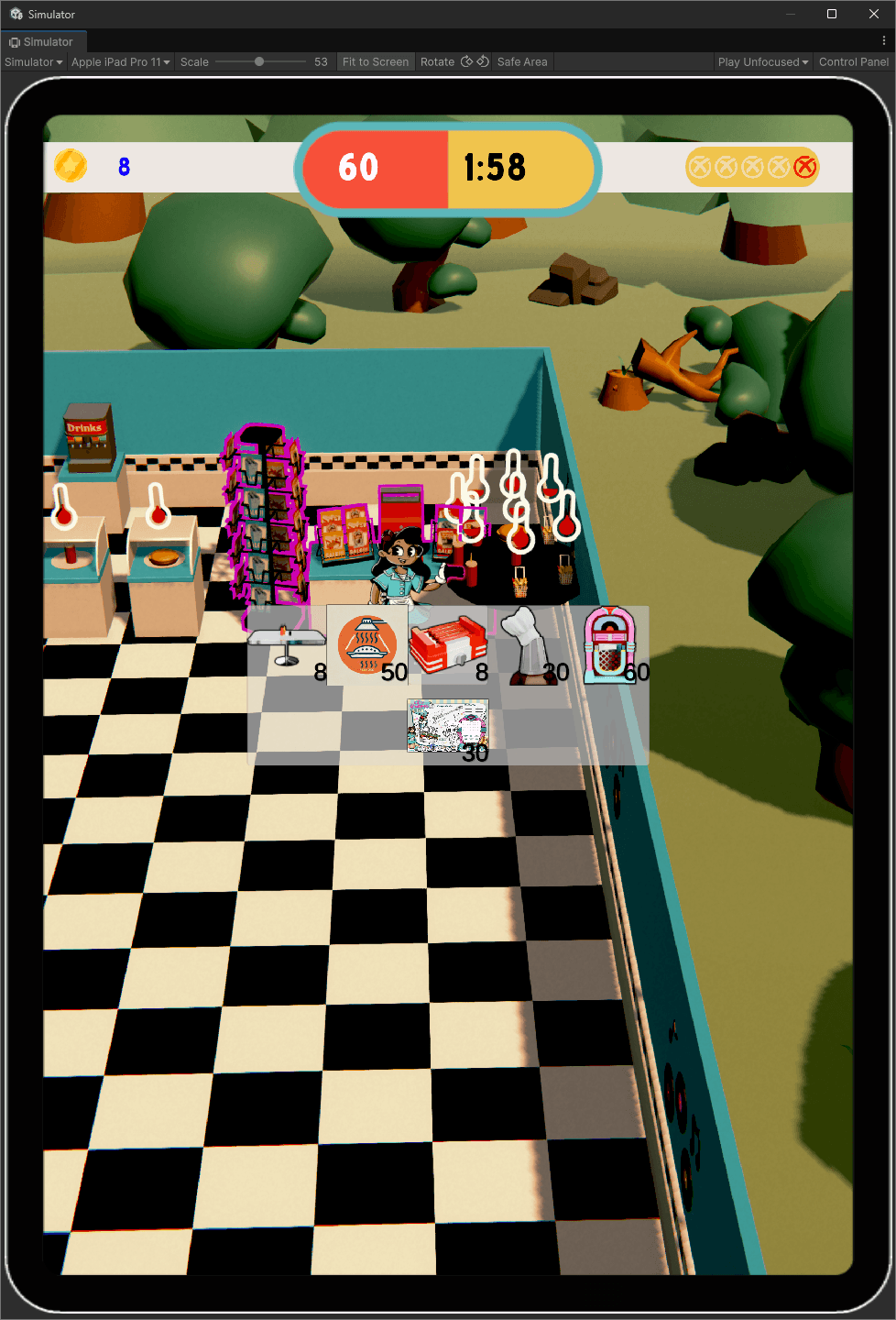
Image of game play showing the upgrade menu - table, heatlamps, hotdogs, chef, jukebox, placemats
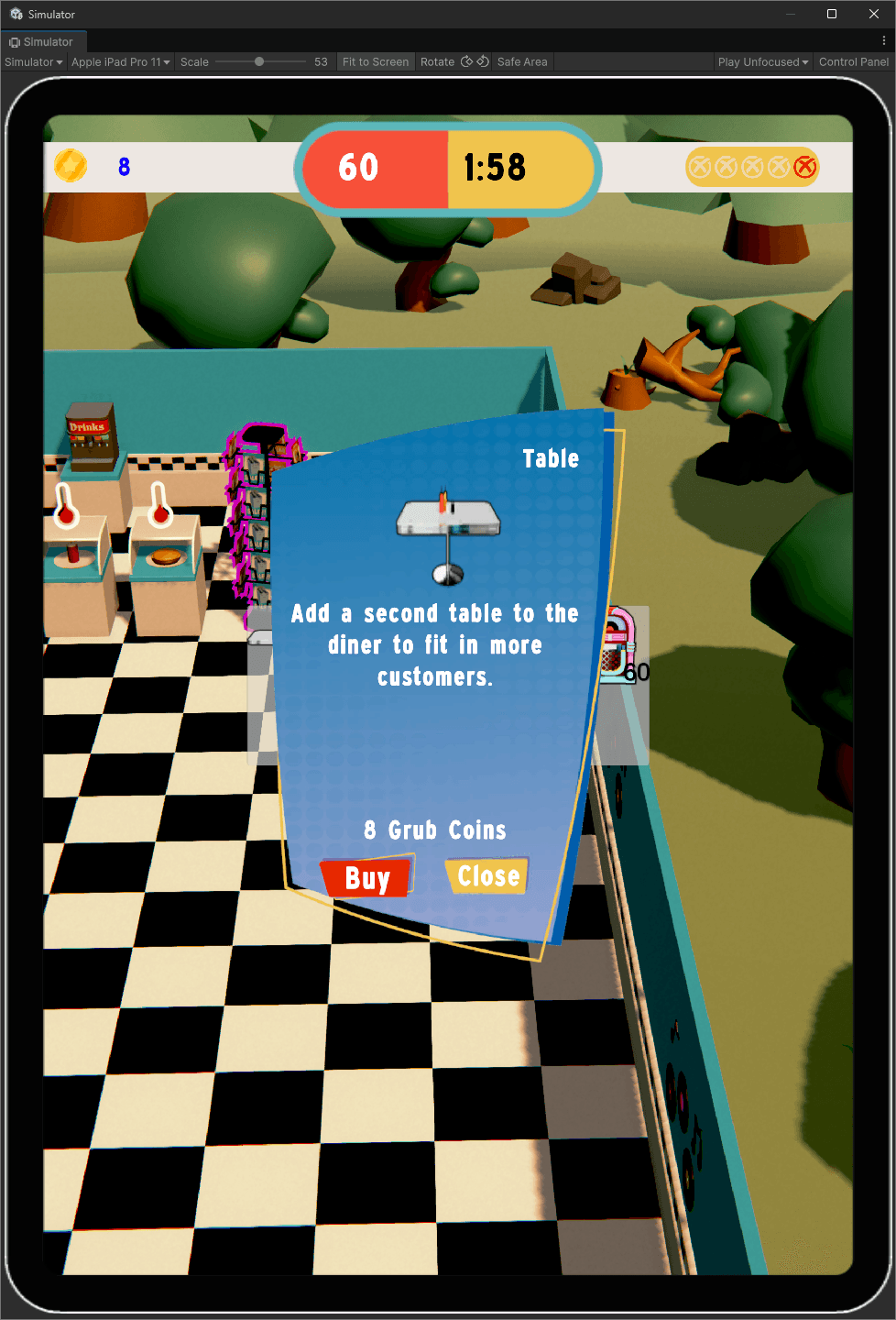
Image of game play showing the upgrade menus table menu open
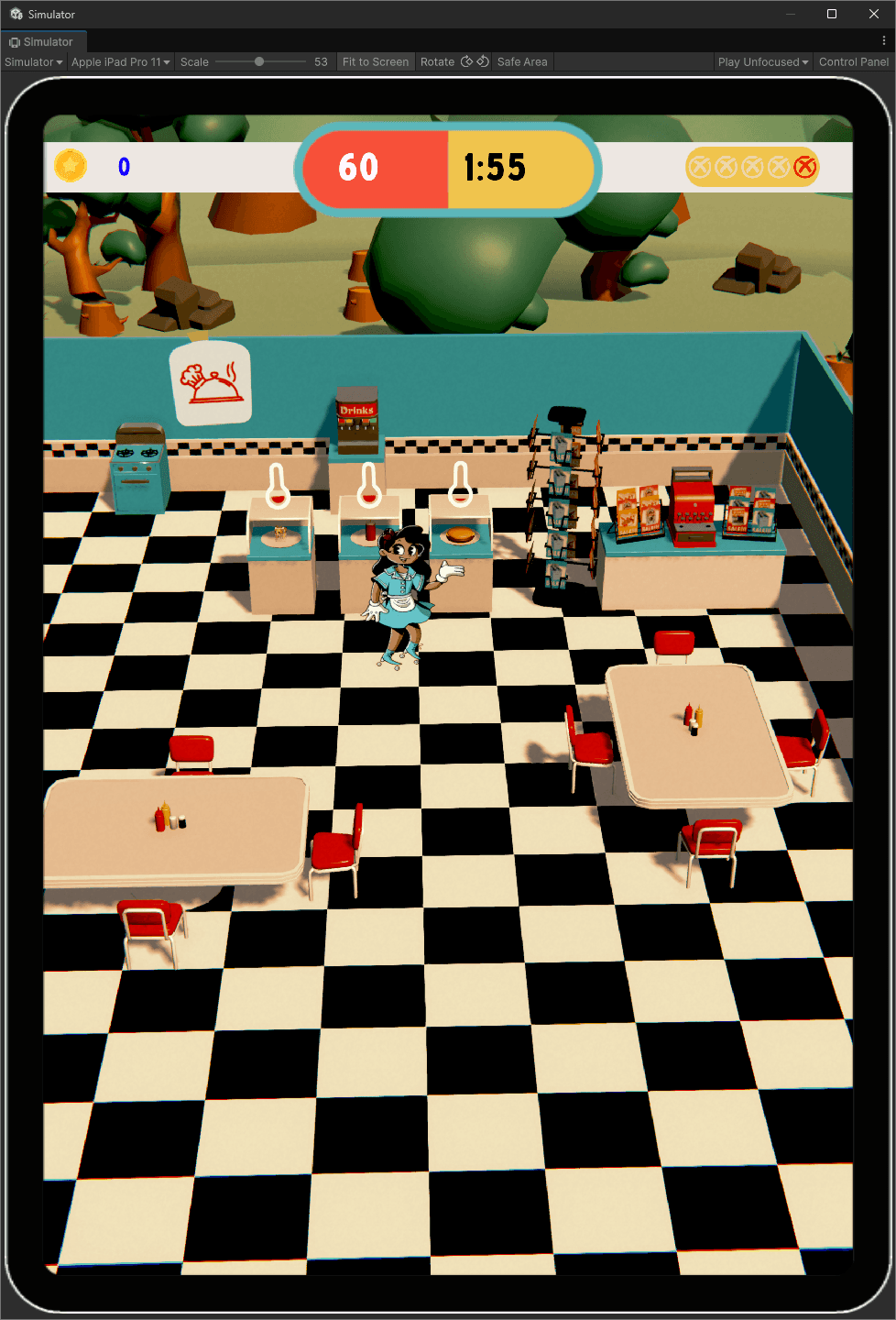
Image of game play showing the diner with the second table bought
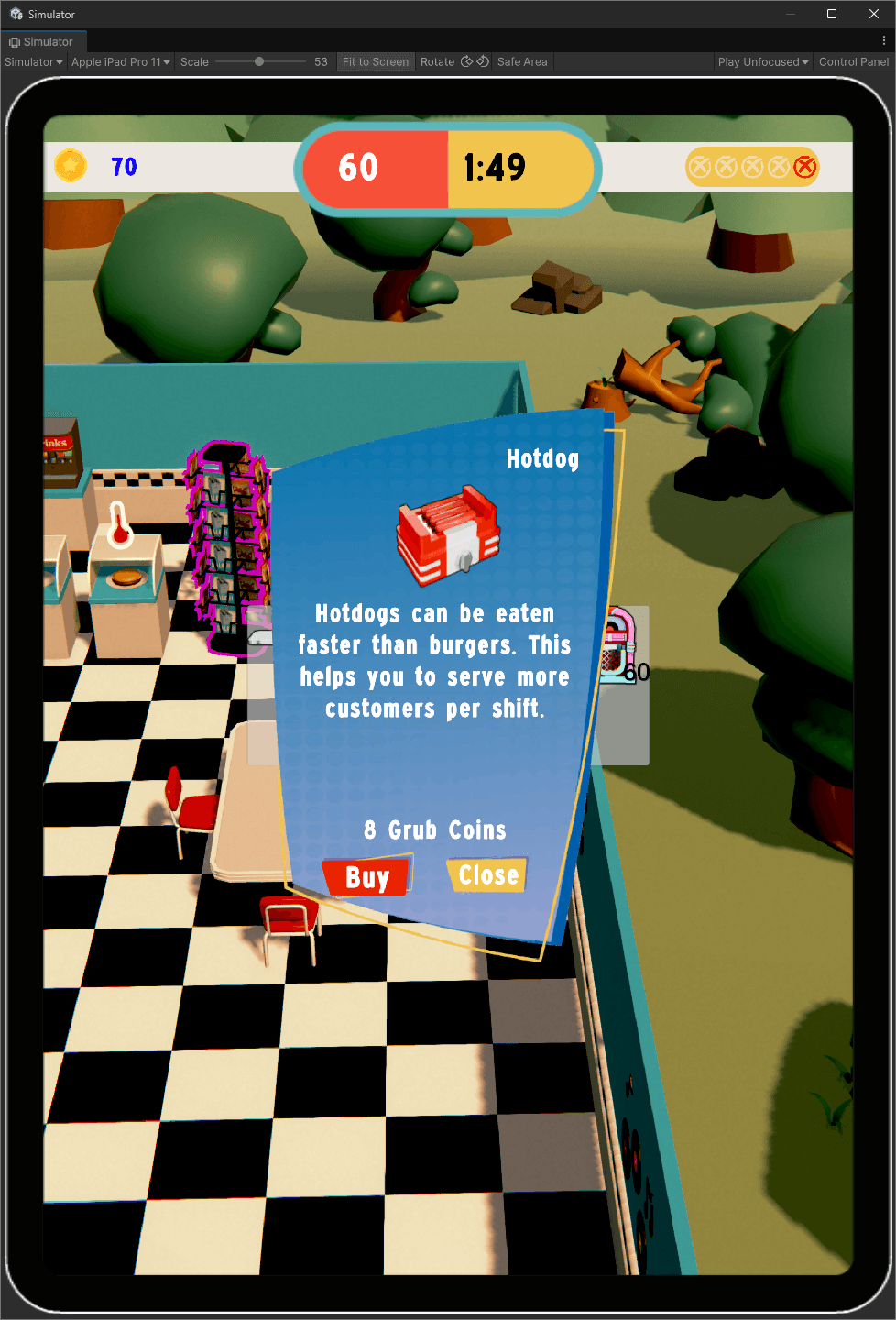
Image of game play showing the upgrade menus hotdog menu open
Image of game play with the kitchen menu open showing all current options - burger, soda, fired, hotdog
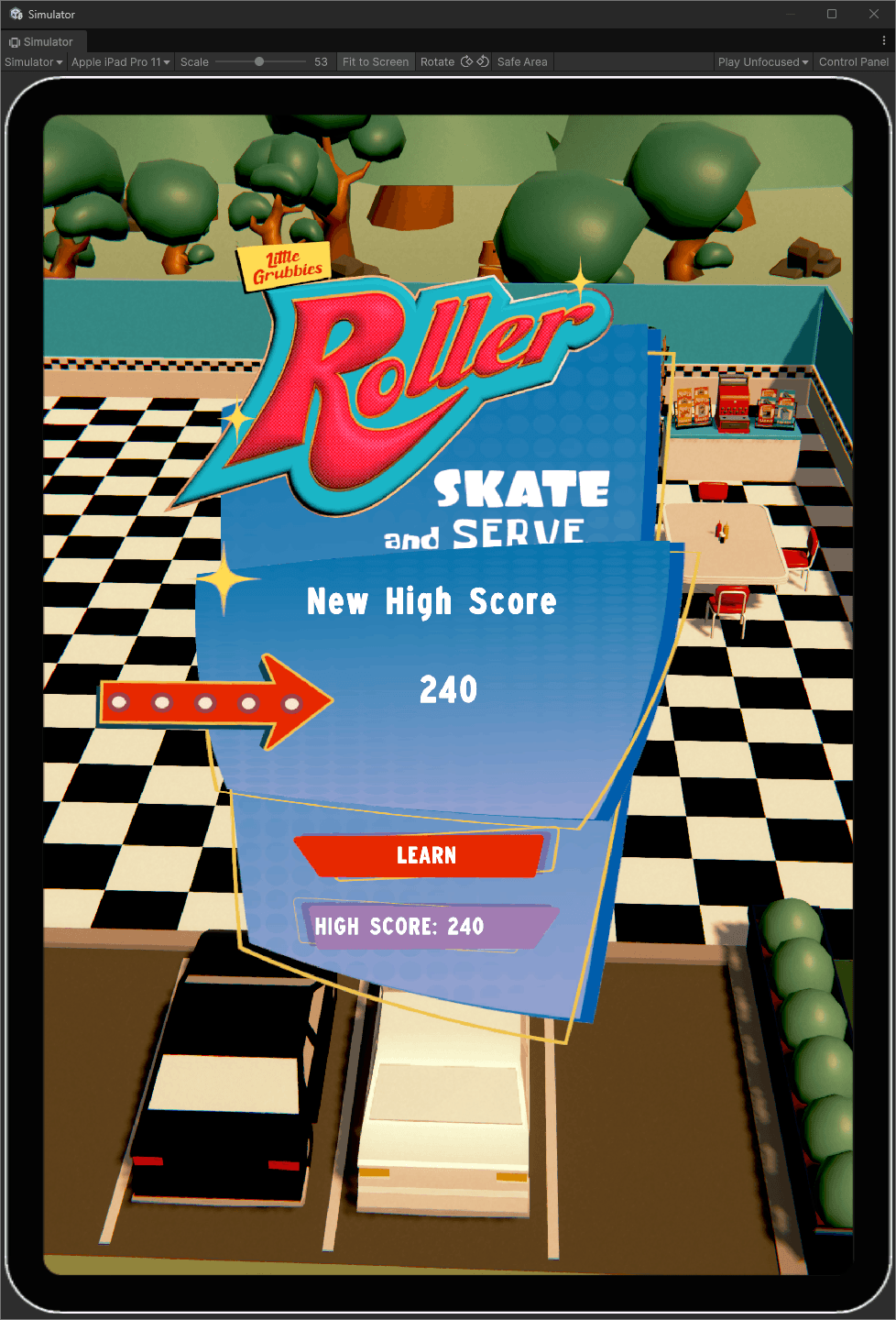
Image of game over screen showing the player got a high score

Little Grubbies

AR-enhanced mini-games and experiences to entertain little ones during their dining experiences, activated through an interactive activity book
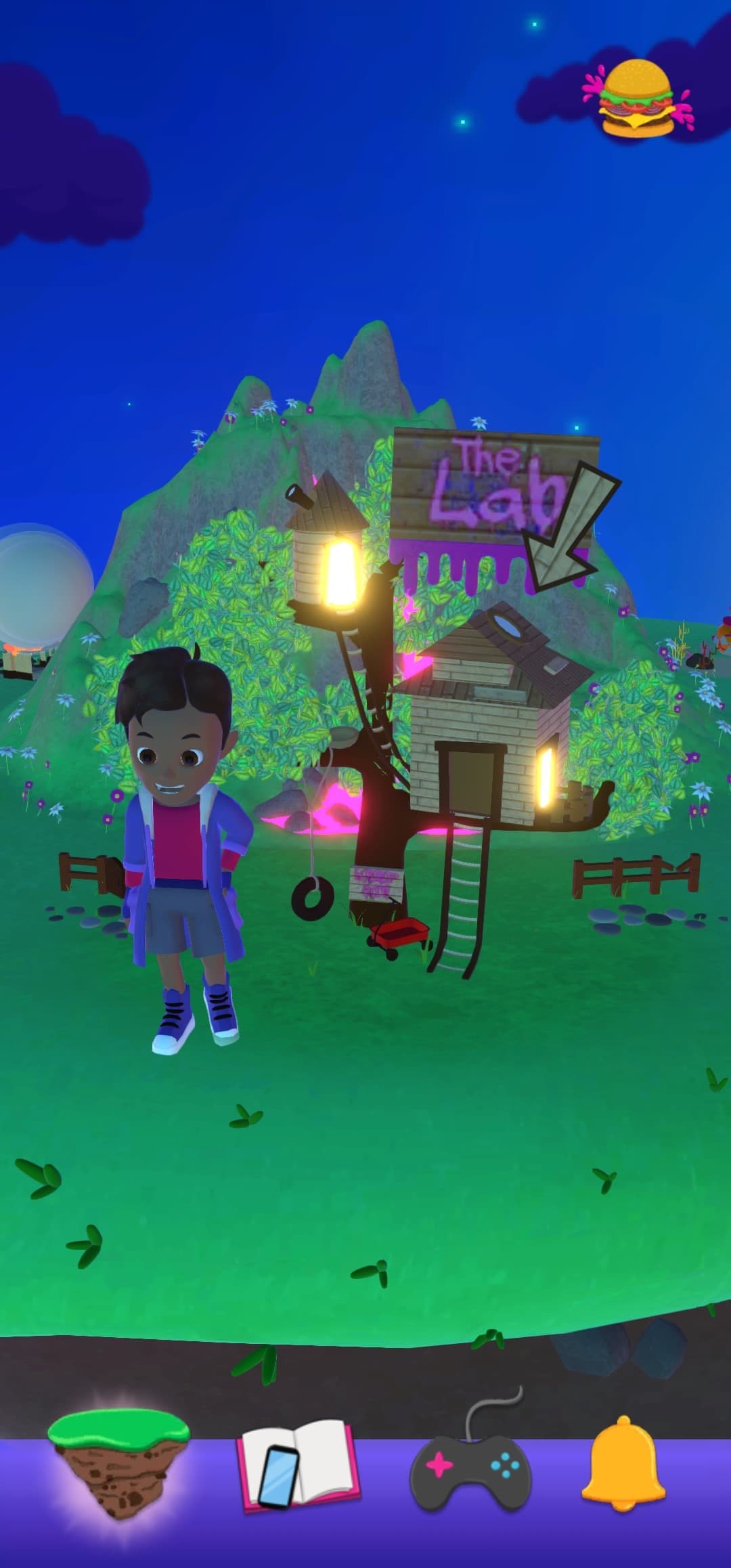
Screenshot of Little Grubbies carousel with The Lab at night

Features

  • Find and Seek: Where's wally style AR game
  • Strike: Hit mascots with a football and get a high score
  • Splash and Dash: AR fire truck game where you put out fires in a race against the clock
  • Memory: AR Memory card game played on your table
  • GrubCopter: Control a helicopter in AR in 2 modes; free flight and fire fighting mode
  • Hero city: AR city displaying your collected heroes
  • Carousel system to display unlocked game worlds as an interactive menu

Notable Achievements

  • Designed and implemented a dynamic world spawning system for enhanced gameplay
  • Created player controller and interaction system for immersive gameplay
  • Optimized existing games, significantly improving overall app performance
  • Successfully transitioned the existing project to the new Unity input system
  • Built an internal tool for testing venue white labels, streamlining the QA process
  • Built an internal tool for validating, linking, creating and editing asset bundles allowing bundles to be loaded via scriptable objects
  • Prototyped experiences for high-profile IPs' like Minions and Jurassic for pitch decks
  • Designed game template for AR scenes, facilitating rapid prototyping

Screenshots
Screenshot of Little Grubbies carousel with The Lab at night
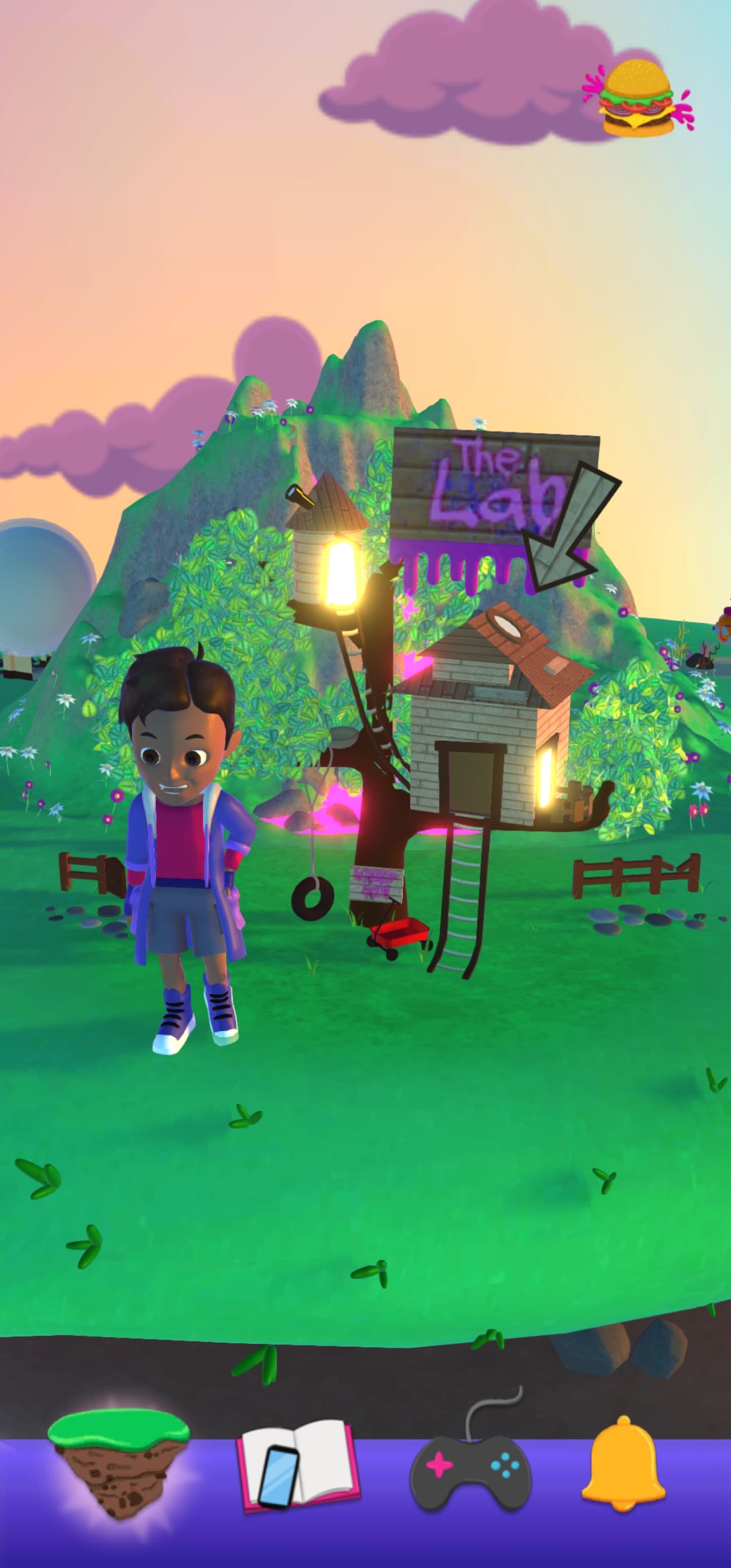
Screenshot of Little Grubbies carousel with The Lab at day
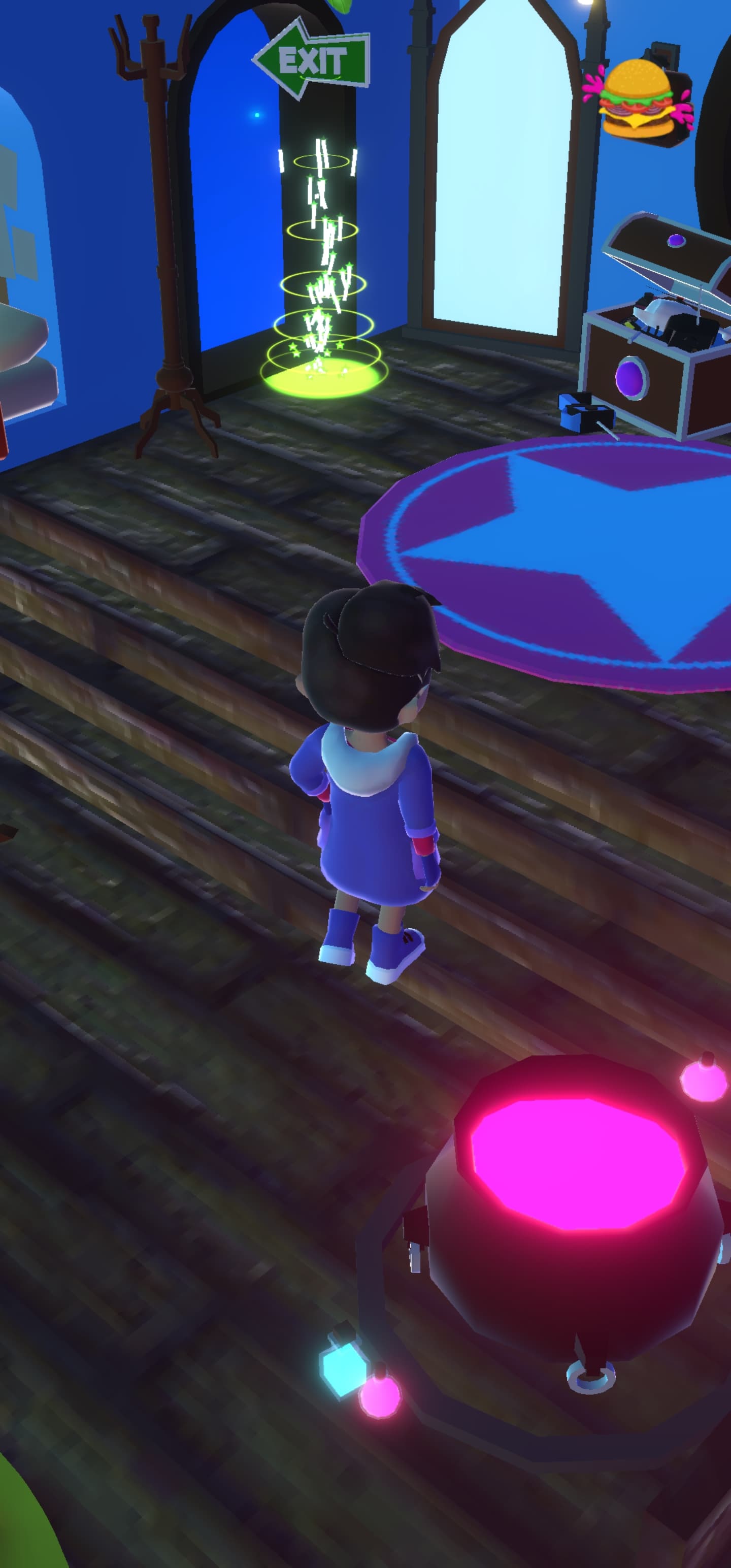
Screenshot of The Lab interior
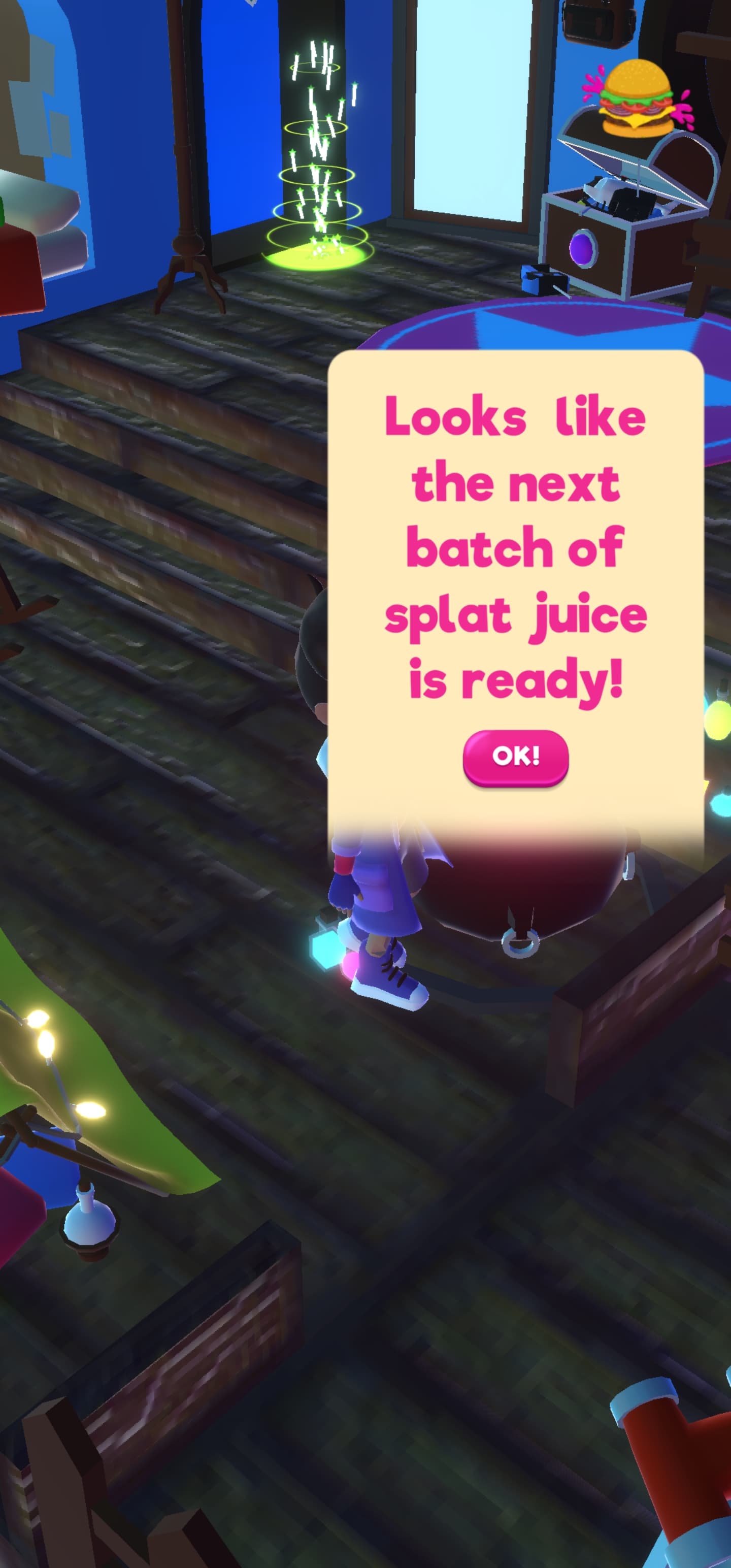
Screenshot of The Lab interior with the cauldron interaction active. The interaction text reads: 'Looks like the next batch of splat juice is ready'
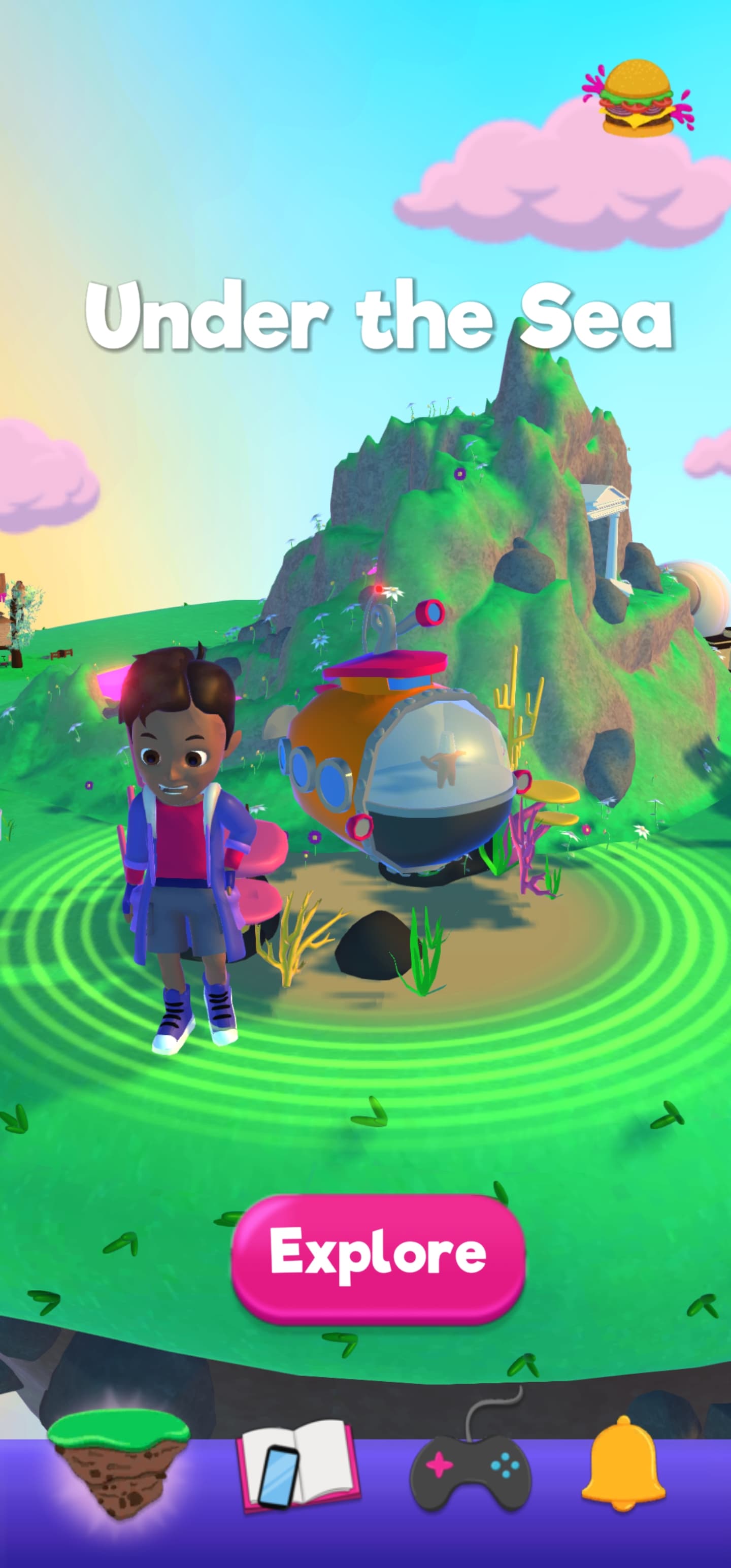
Screenshot of Little Grubbies carousel with Under The Sea during the day
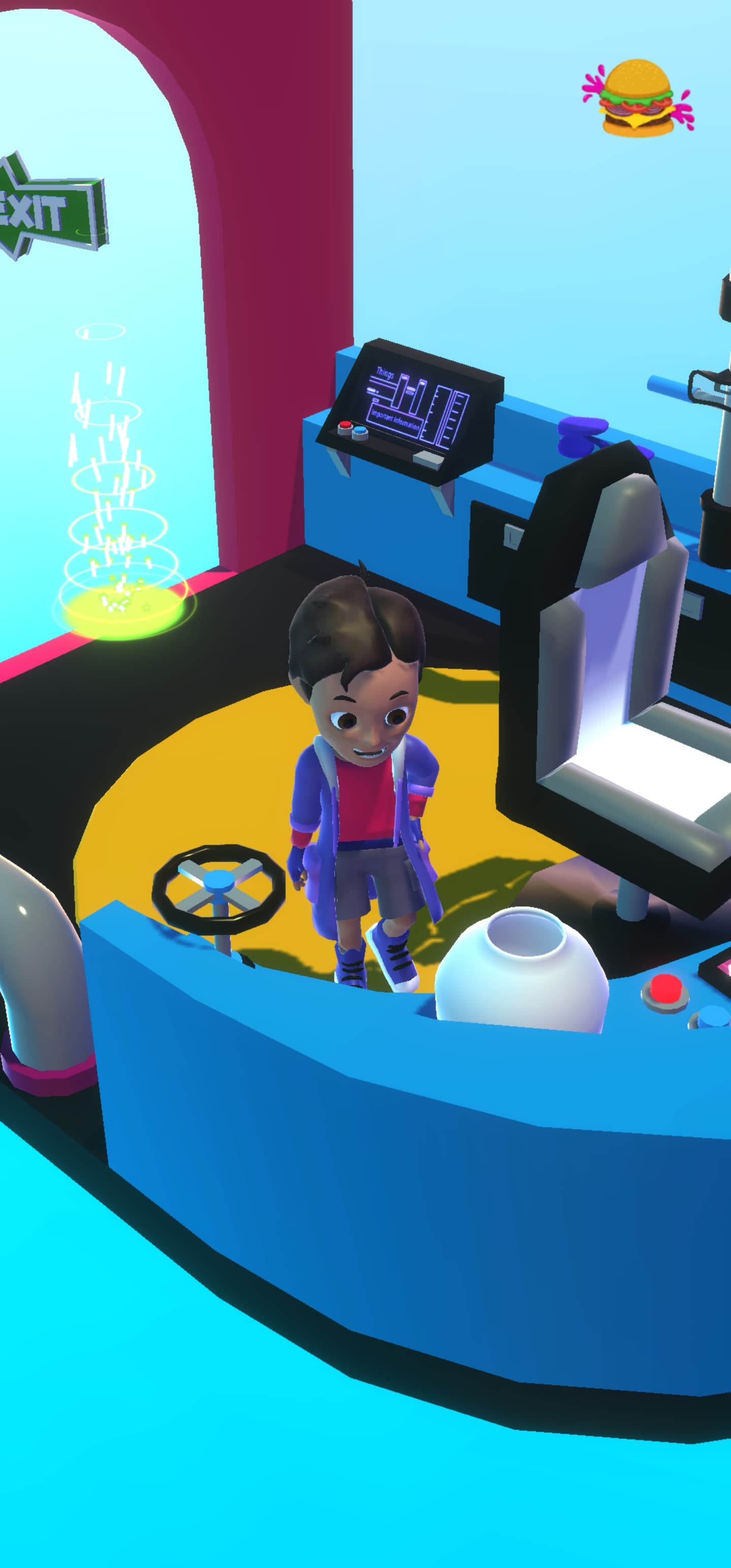
Screenshot of Under The Sea interior
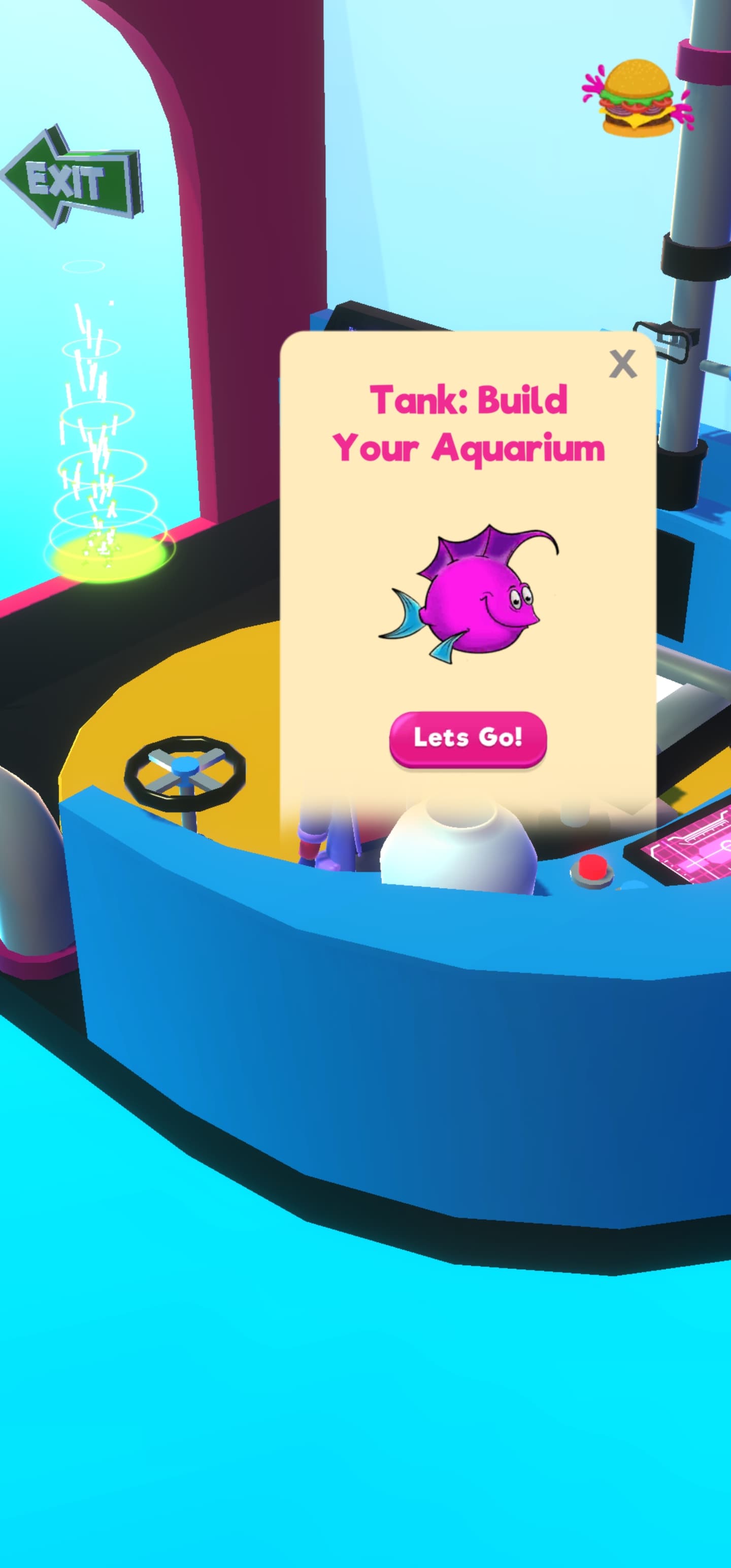
Screenshot, of Under The Sea interior with the aquarium interaction active. The interaction text reads: 'Tank: Build your Aquarium'
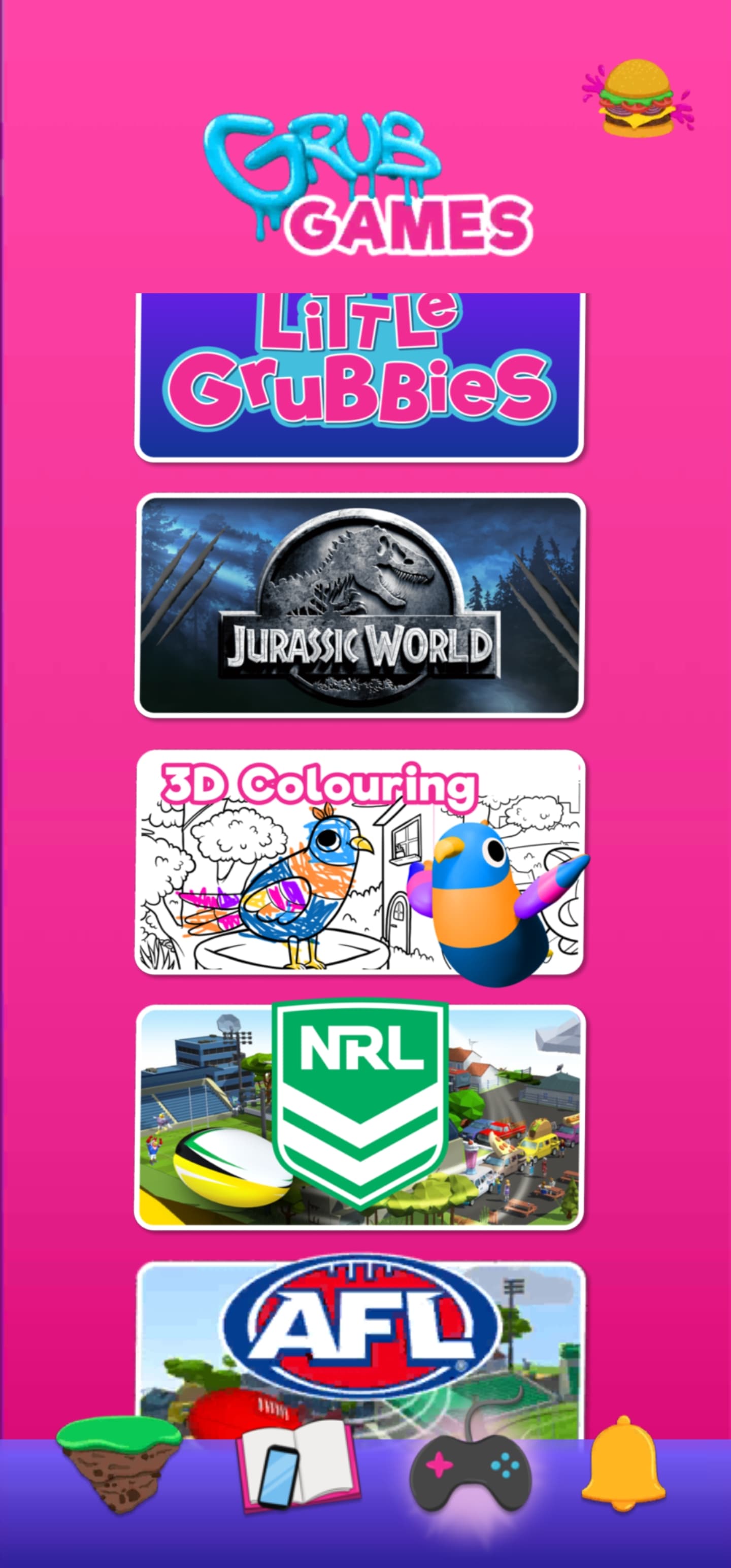
Screenshot of Games Brand Menu. The Brands displayed are 'Little Grubbies, Jurassic World, 3D colouring, NRL and AFL'
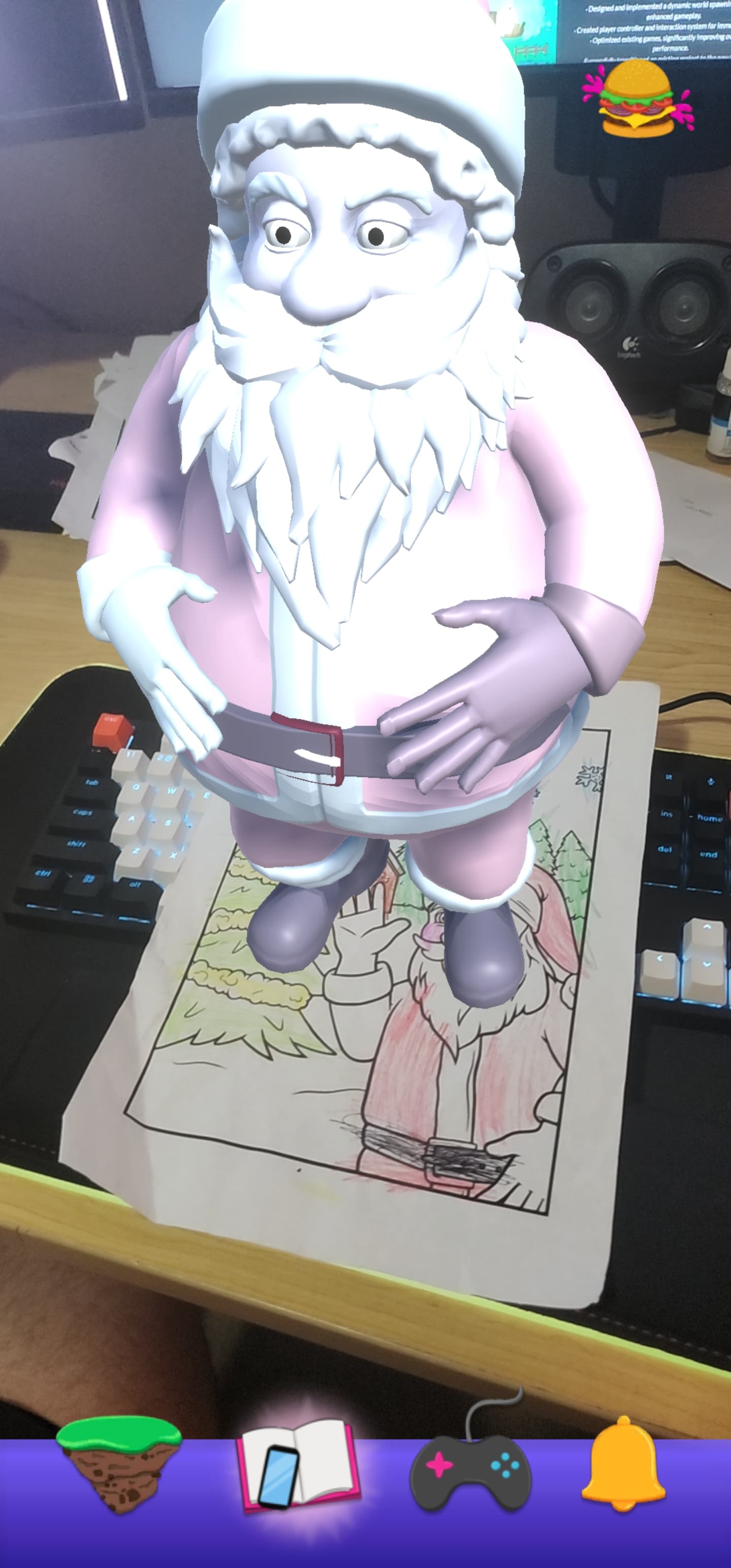
Screenshot of the 3D Christmas Colouring. It has a semi coloured in picture of santa, with the AR model spawned on top. The players desk and keyboard can be seen in the frame.
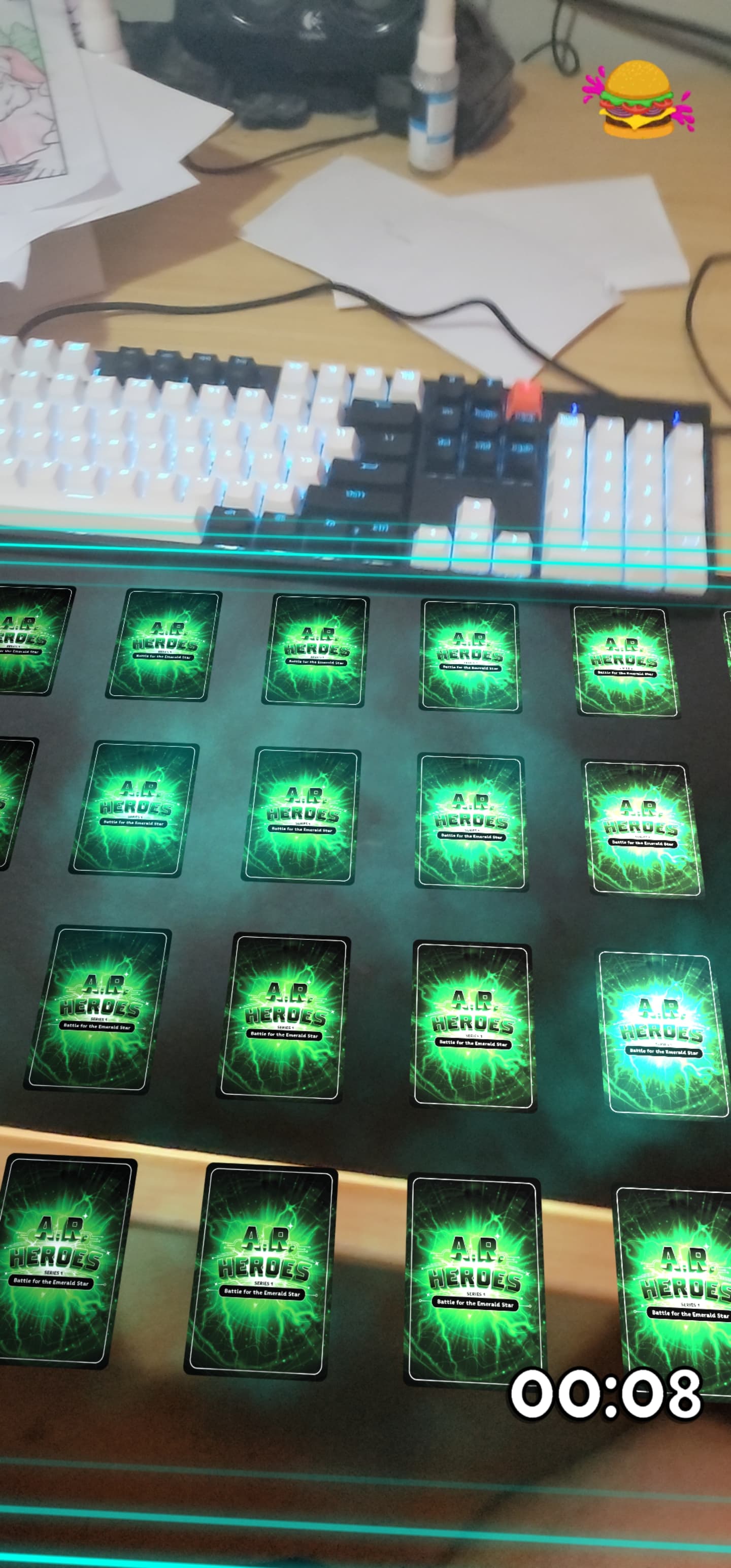
Screenshot of the AR Heroes branded version of the Memory Card game in AR. The players desk and keyboard can be seen in the frame. No cards are flipped
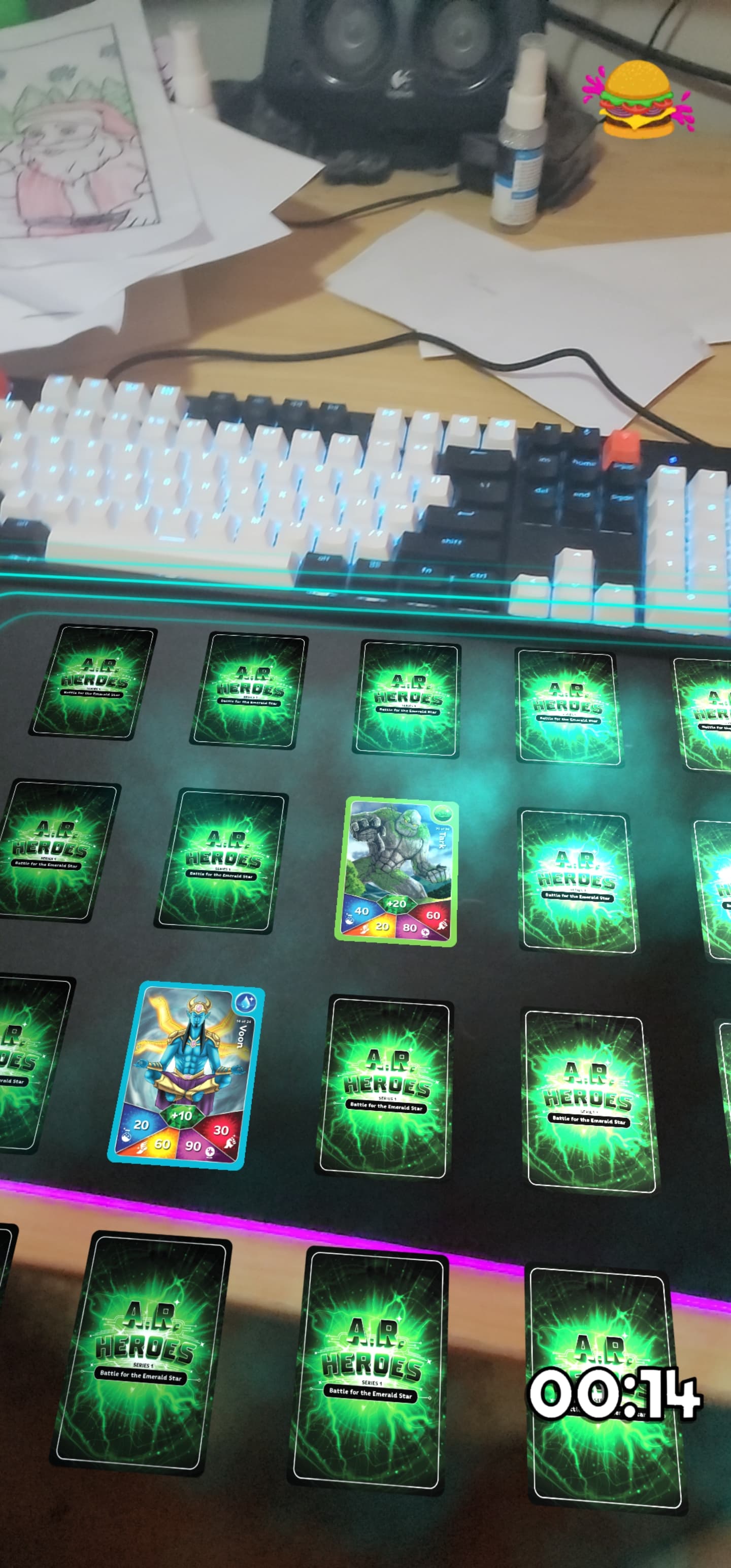
Screenshot of the AR Heroes branded version of the Memory Card game in AR. The players desk and keyboard can be seen in the frame. One pair of cards are flipped, but do not match. There is a timer on the screen showing 14 seconds have passed
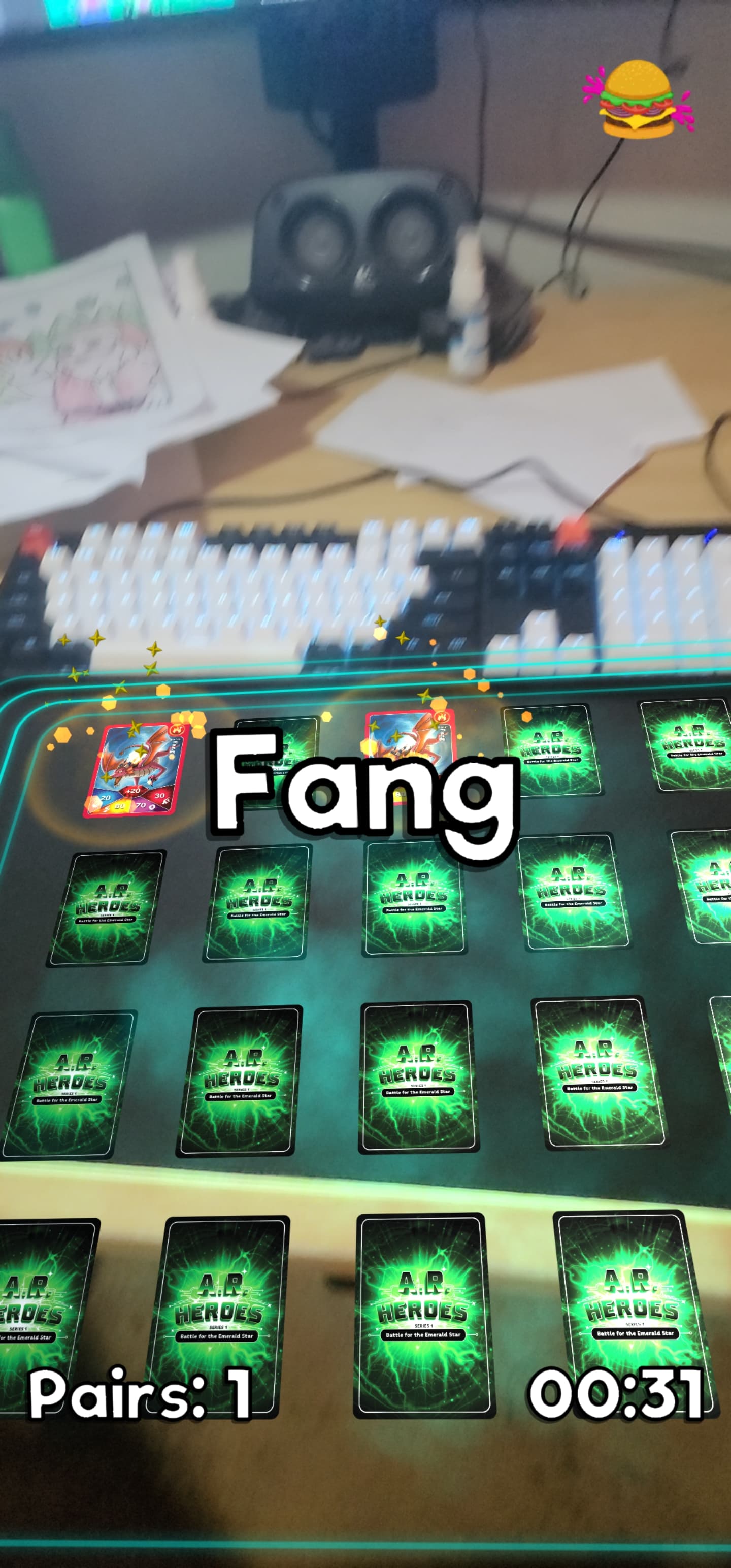
Screenshot of the AR Heroes branded version of the Memory Card game in AR. The players desk and keyboard can be seen in the frame. A matched pair of cards are flipped with some sparkling effects shown. A text pop up saying 'Fang' is displayed in the middle of the screen indicating Fang is the matched card. There is a timer on the screen showing 31 seconds have passed. There is a text element stating there is one pair matched

Personal

Milkyway Defense Force

2D Space shooter arcade-style game
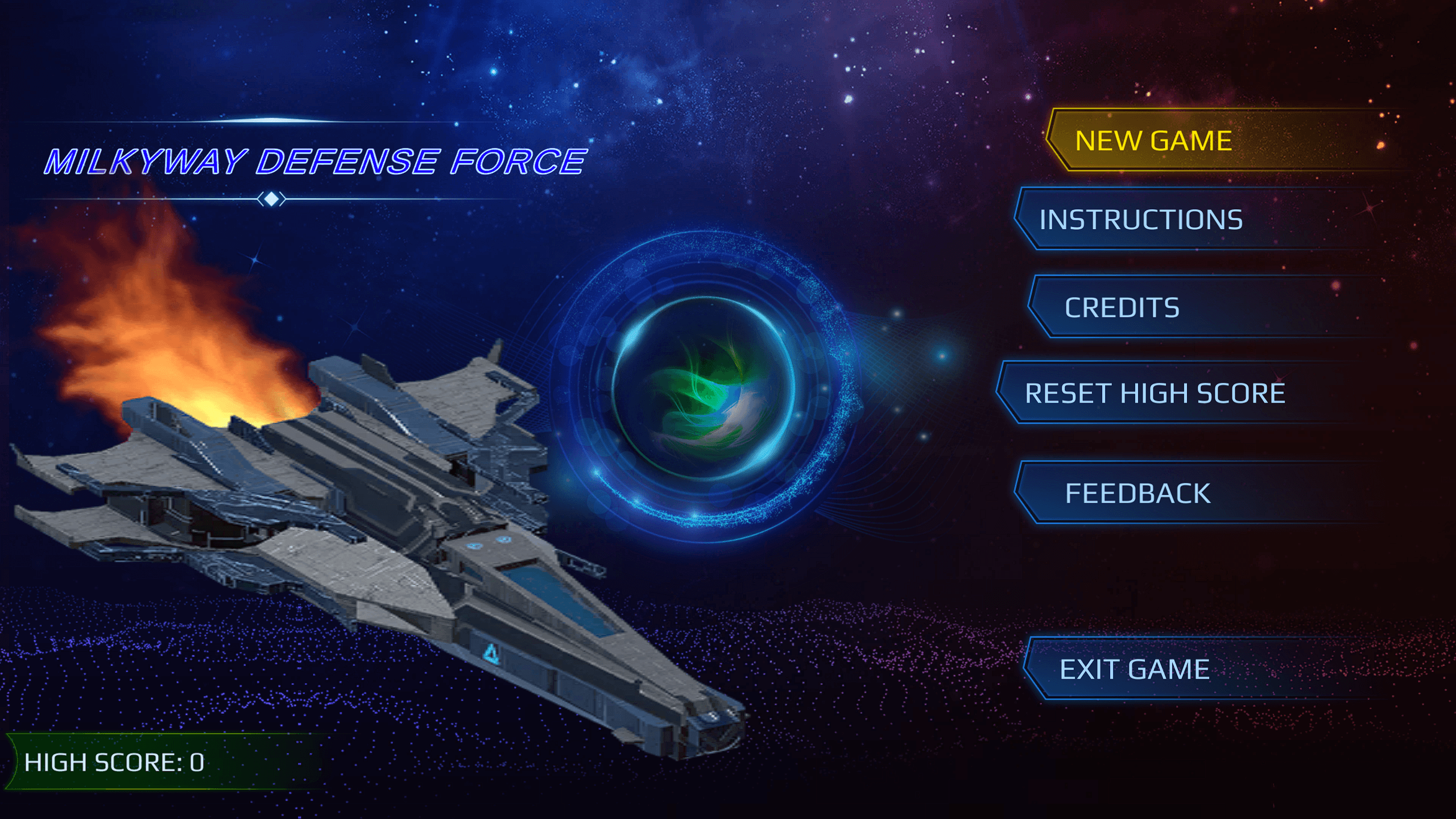
Screenshot of Milkyway Defence Force main menu. There is an image of a spaceship with the title 'Milkyway Defence Force' overlayed, The menu options are 'Play, Credits, Instructions Reset High Score and Exit Game'. The high score is displayed in the bottom right corner but no value is provided

Features

  • High score system
  • Eight different powerups
  • Six enemy types with different abilities and movement patterns
  • Four different attack types
  • Object pooling for performance
  • Settings menu for adjusting and saving volume preferences

Screenshots
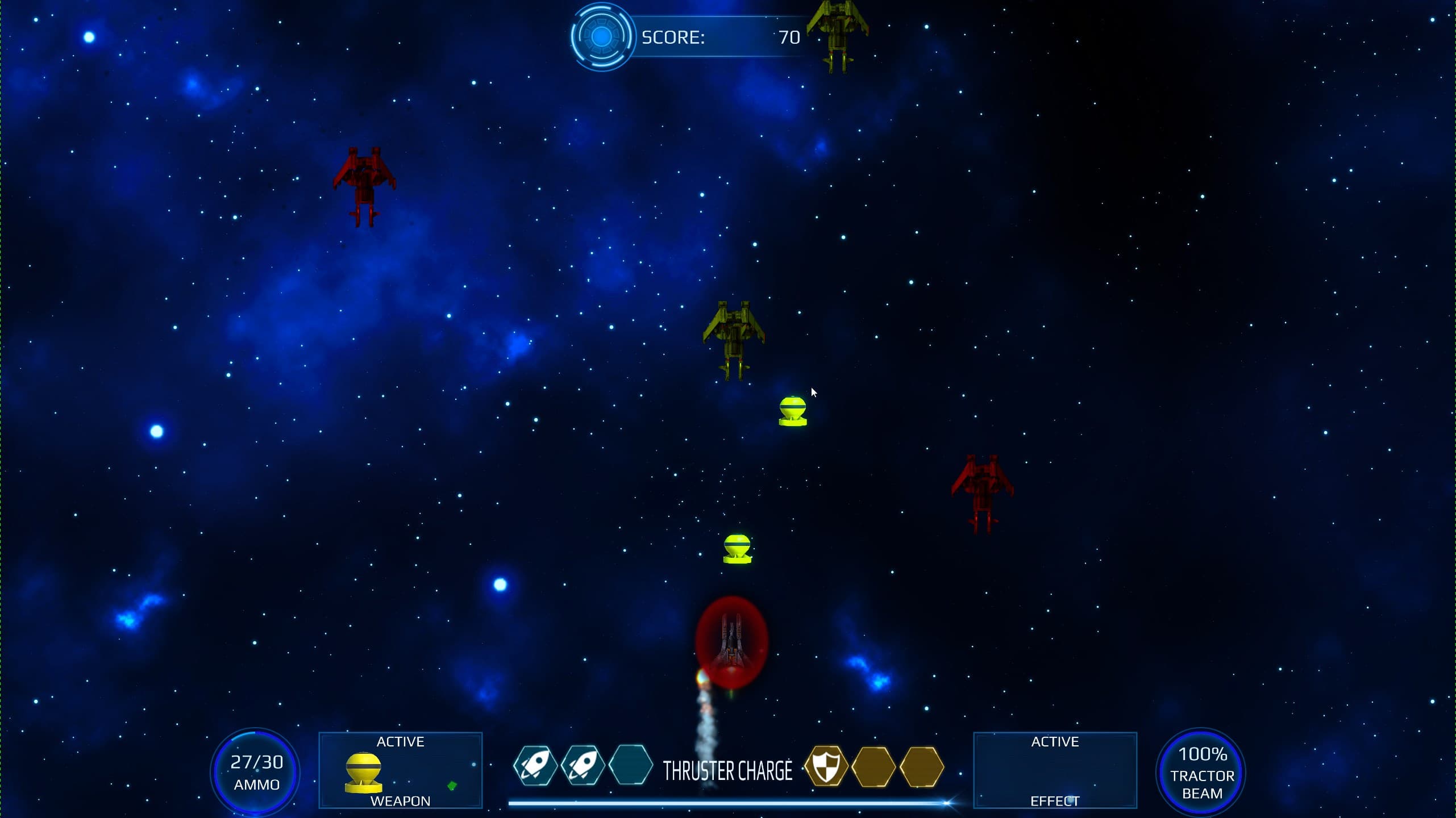
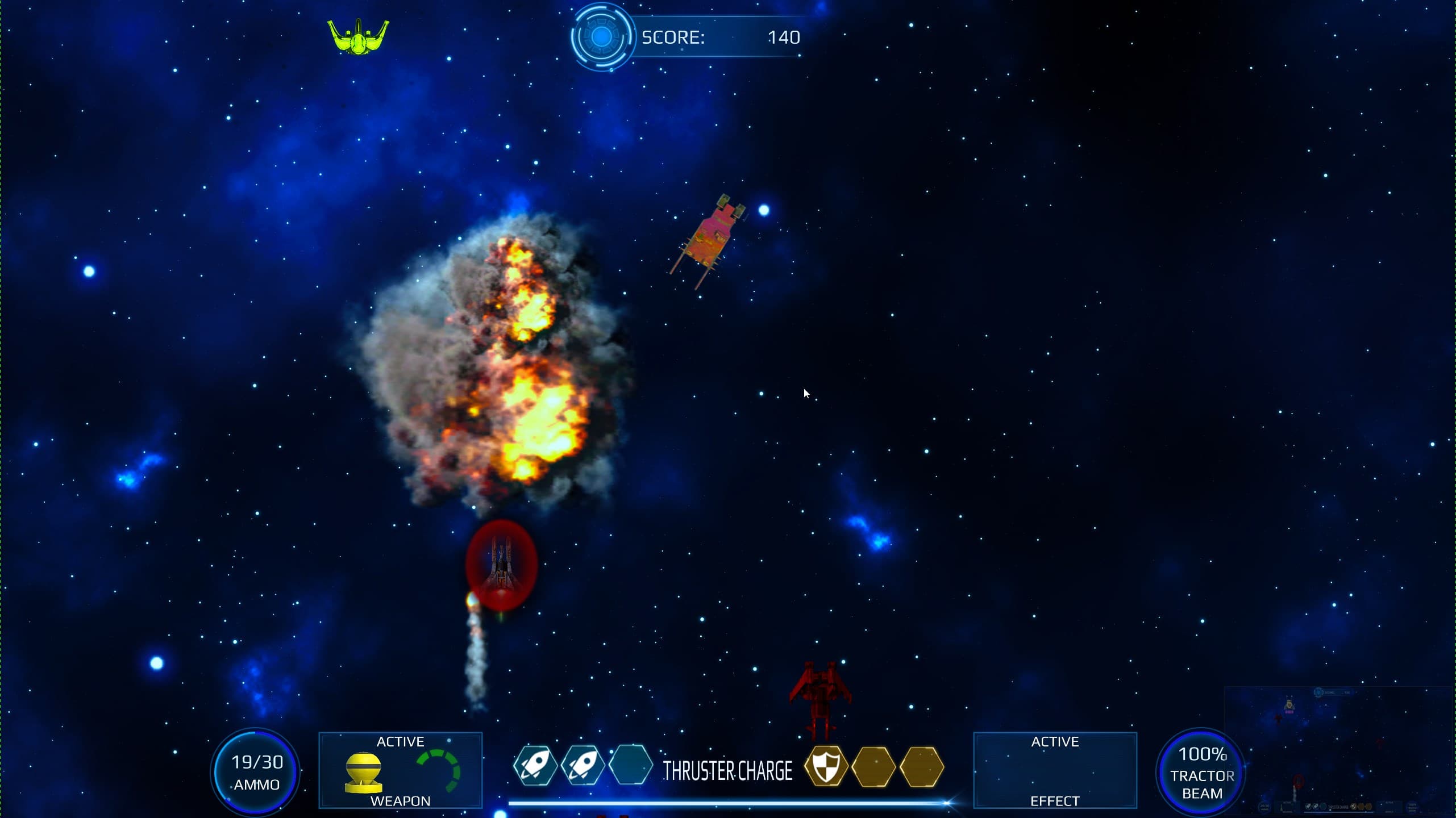
Screenshot of Milkyway Defence Force game play. The hud displays the current score, ammunition count, active weapons status, amount of thruster charge, remaining tractor beam charge and health status. There are 4 enemies on screen, 2 of which are yellow space ships and 2 are red. The player ship is smoking from one of the engines. The player ship has fired some bombs which are moving up screen. The player ship is surrounded by a red shield.
Screenshot from Milkyway Defence Force depicting a dramatic moment in gameplay. The player's ship is surrounded by a red shield, and a large explosion is visible, representing an enemy ship being destroyed. Three enemy ships, two generic ones which are yellow red, and a smaller yellow one, are visible on screen.
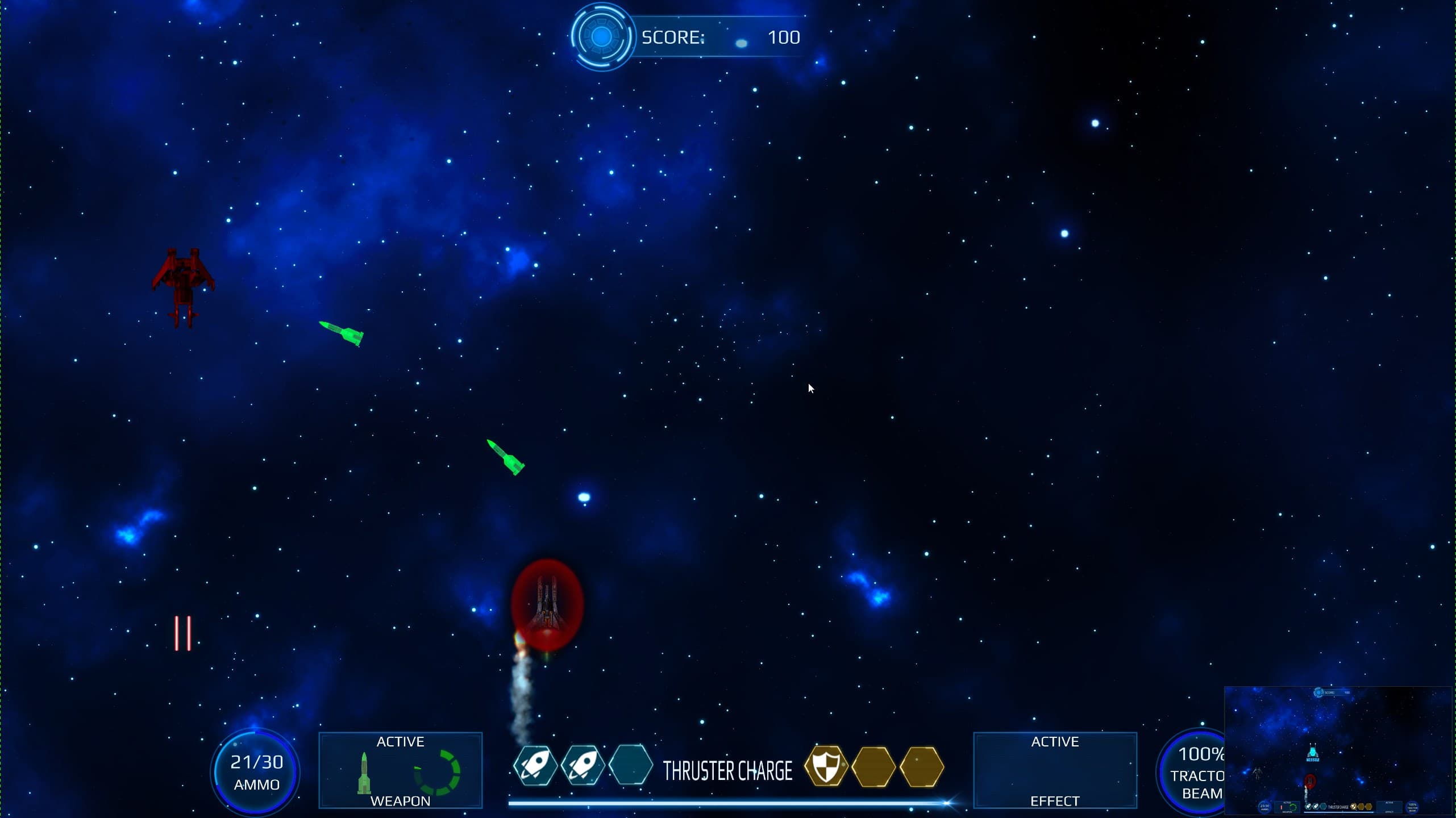
Screenshot from Milkyway Defence Force depicting a dramatic moment in gameplay, where the player has fired two homing missiles which are rotating and moving towards a generic red enemy ship.
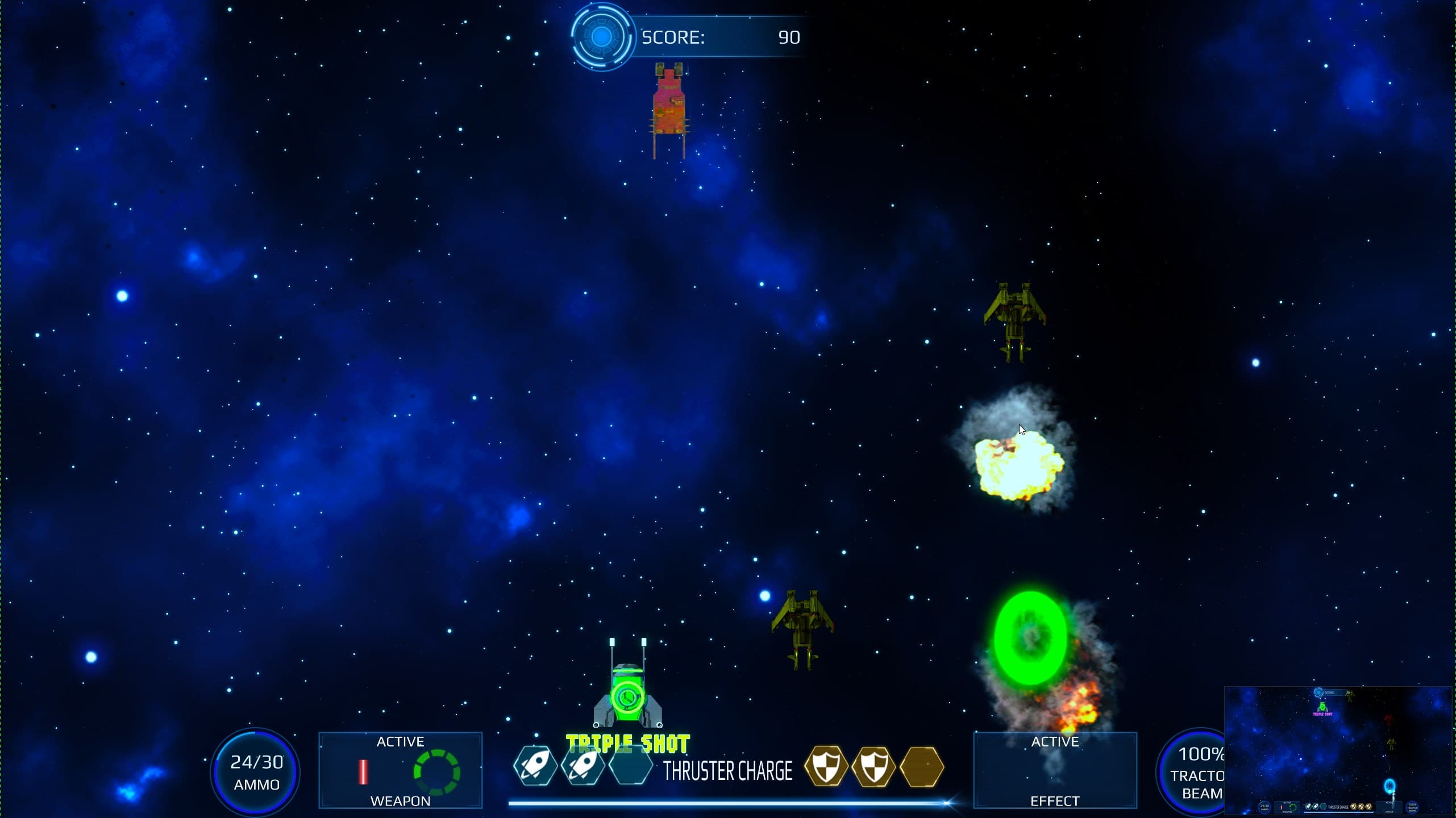
Screenshot from Milkyway Defence Force  showing active combat. The player is surrounded by an explosion indicating it was just hit, as well as a green shield showing it has more charges remaining. There is a green powerup on the screen, displaying the words 'Triple Shot'. There are three enemy ships on the screen, two generic yellow ones and a square orange one.
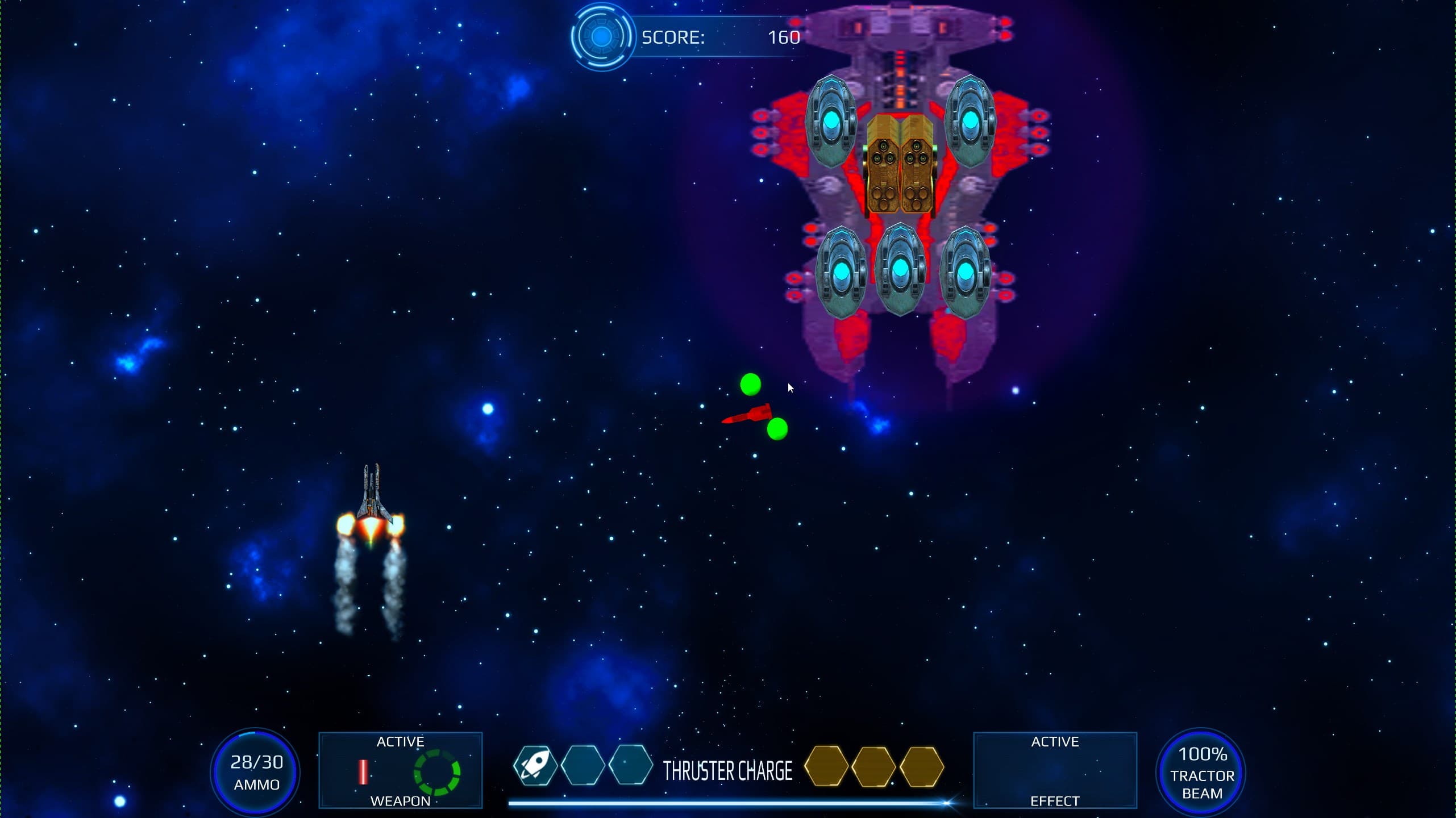
Screenshot from Milkyway Defence Force showing a boss battle scene. The player has fire coming from both engines indicating it has only one remaining hit point. The boss enemy is quite large taking up about a third of the the screen height. The boss has five active plasma turrets, one active missile turret and a large shield. There is a homing missile moving towards the player, as well as two plasma balls near the missile.
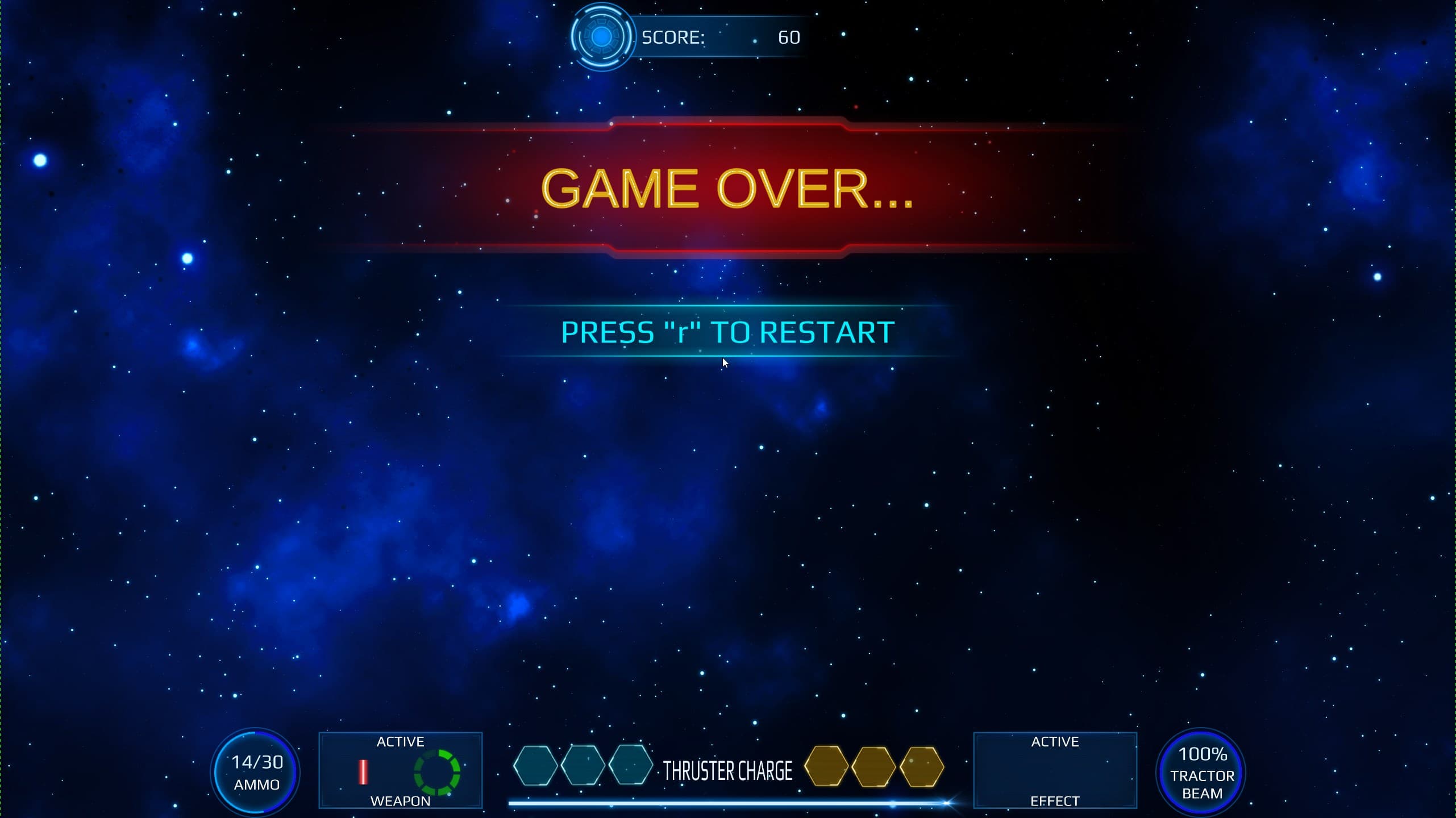
Screenshot from Milkyway Defence Force displaying the 'Game Over' screen. The screen shows a vibrant red and yellow 'GAME OVER' banner across the middle, with a prompt below saying 'PRESS R TO RESTART'

The Great Fleece

3D Stealth action game demo
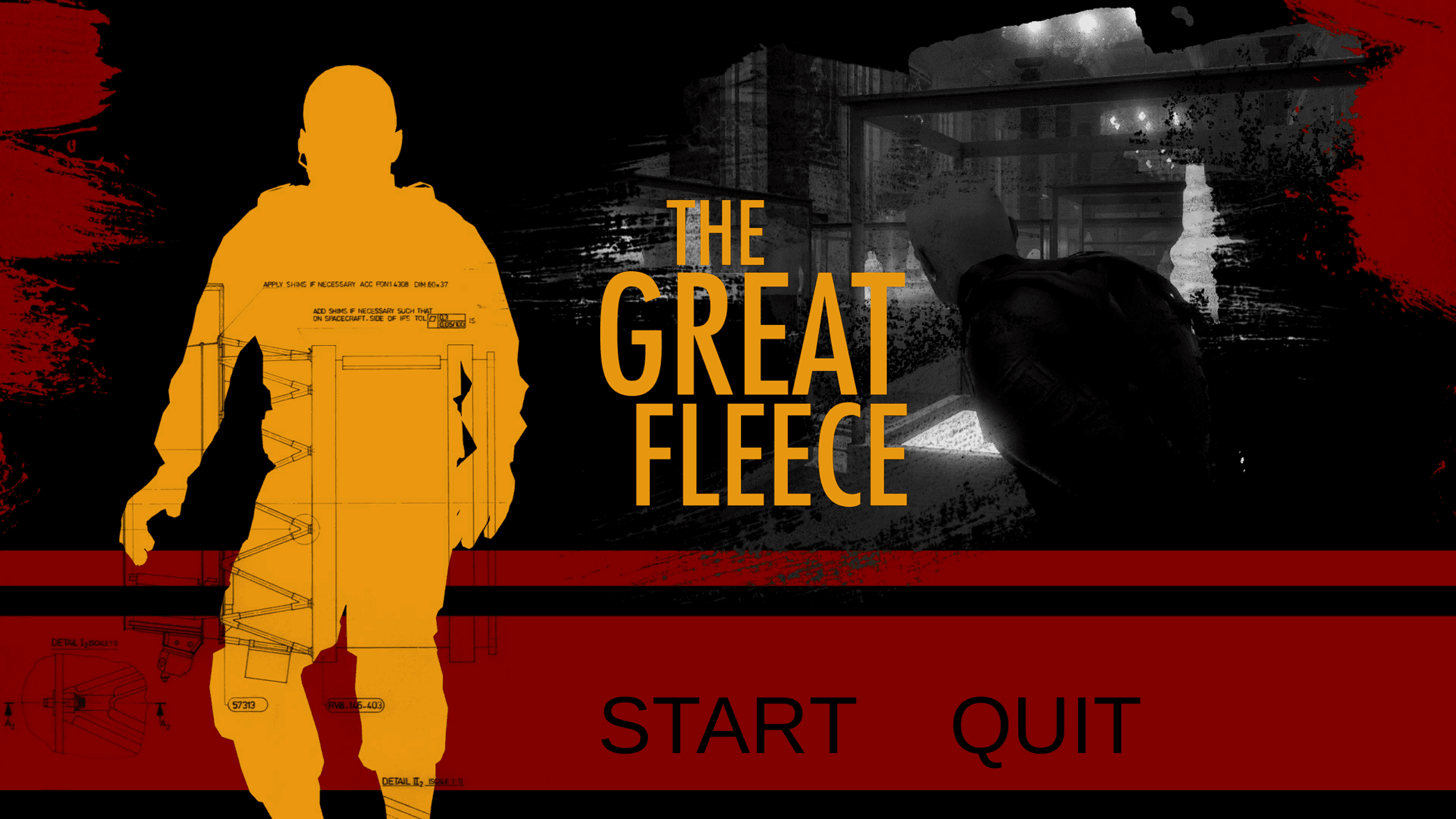
Screenshot of title screen of the Great Fleece. It is a stylized design with a monochrome background divided by a bold red horizontal stripe. On the left, a large, opaque silhouette of a man is filled with schematic design plans, indicating a stealth aspect of the game. On the right, scenes from the game show a dark, shadowy museum environment, suggesting the setting for the stealth missions. The game's title, 'The Great Fleece', is prominently displayed in a large, bold font across the image.

Features

  • Stealth mechanics
  • AI guards and surveillance cameras
  • Distraction System
  • Click to move functionality
  • Cutscenes

Screenshots

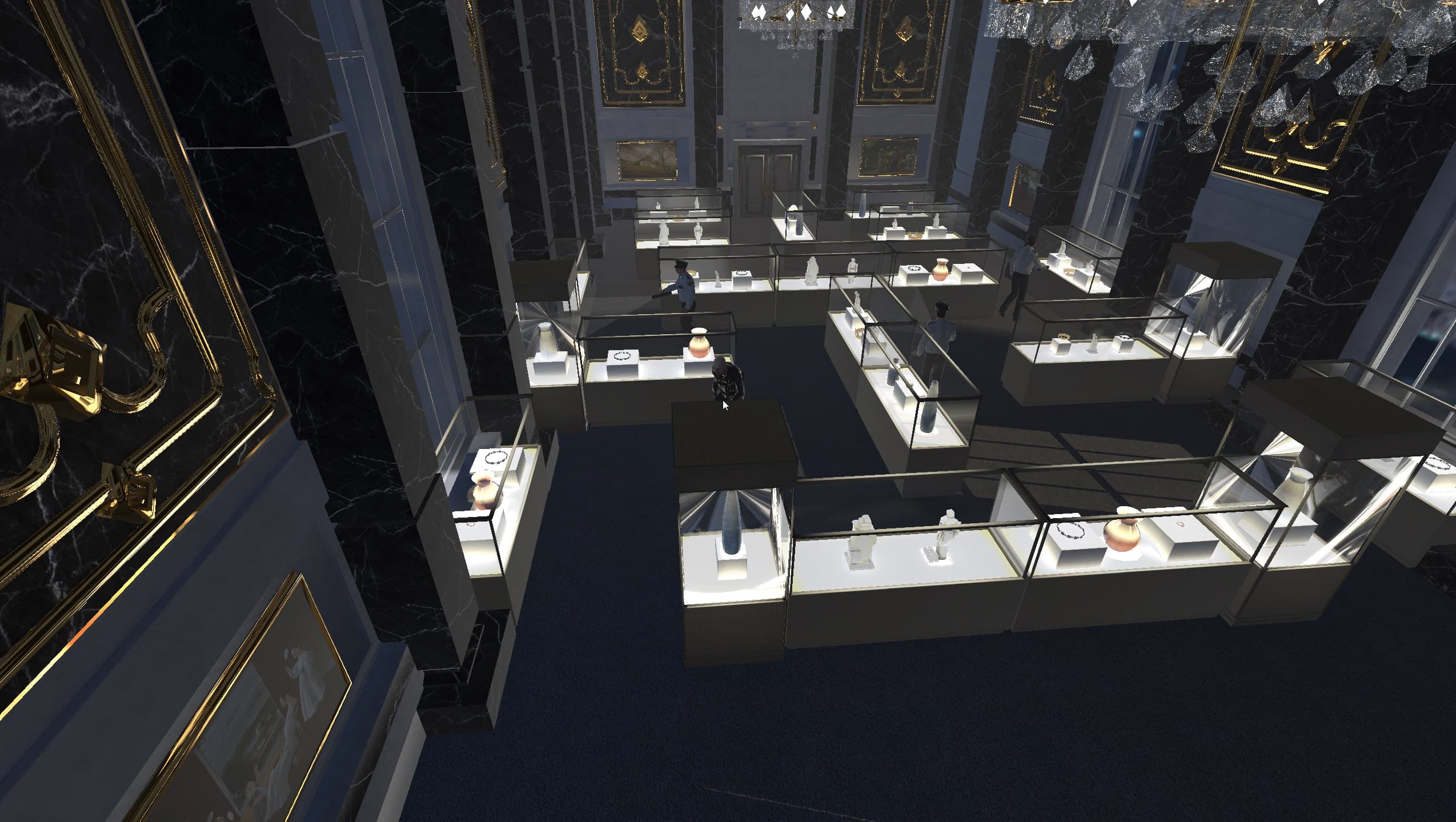
Screenshot from The Great Fleece showing a richly decorated and luxurious museum interior where the game is set. The museum features marble floors and dark marble columns, with large golden chandeliers hanging from the ceiling. The main floor is filled with glass display cases showcasing various valuable items. Multiple security guards patrol the area. The player's character is seen at the starting position of the level hidden behind some cases.
Screenshot from The Great Fleece showing a richly decorated and luxurious museum interior where the game is set. The museum features marble floors and dark marble columns, with large golden chandeliers hanging from the ceiling. The main floor is filled with glass display cases showcasing various valuable items. Multiple security guards patrol the area. The player's character is seen navigating through the museum, possibly strategizing a stealth approach to avoid detection.
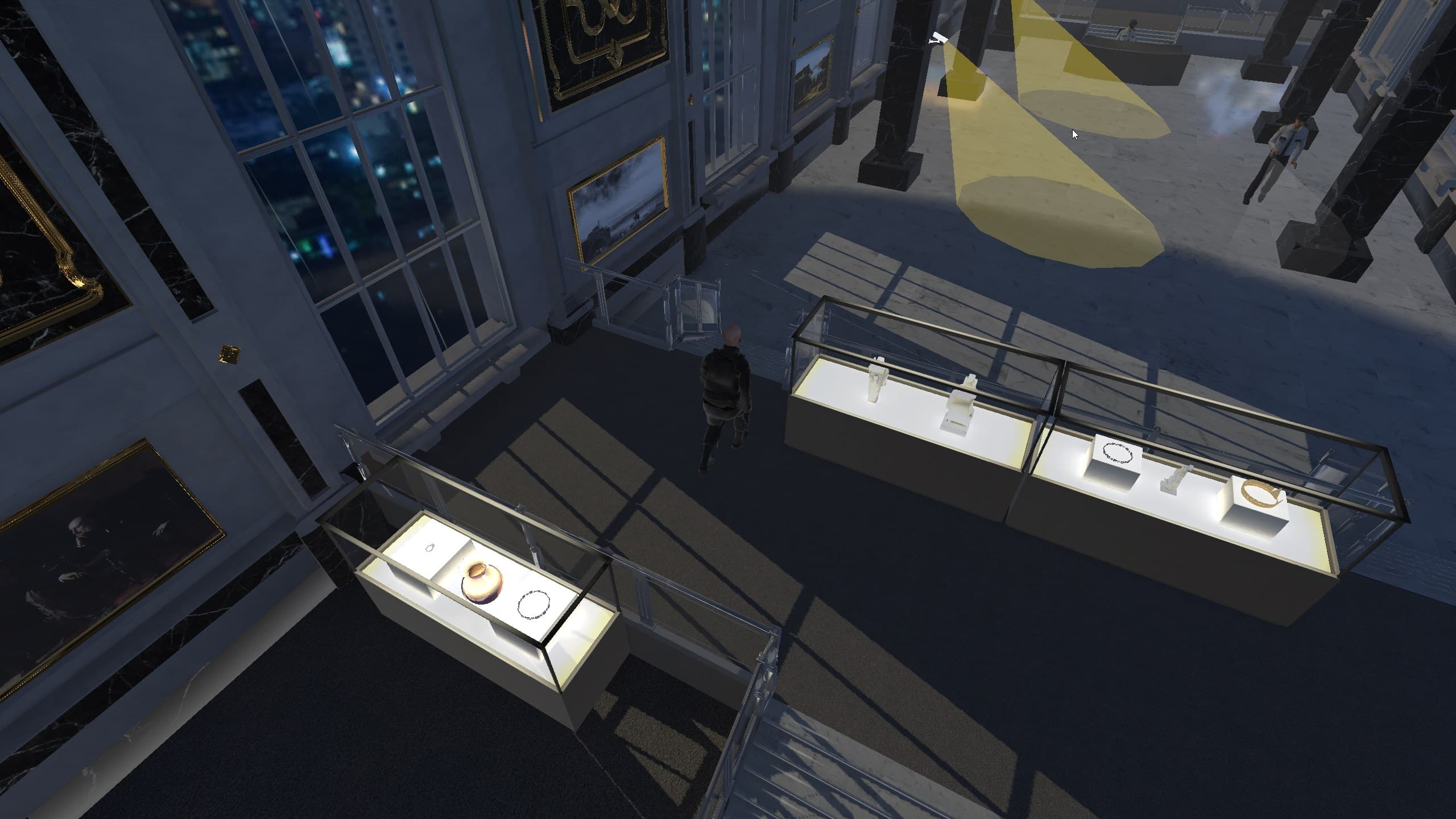
Screenshot from 'The Great Fleece' showing the player's character, viewed from behind, navigating through a museum exhibit hall at night. Large windows provide a glimpse of the city lights outside. The hall is lined with glass cases displaying luxurious items. The presence of a patrolling security guard and two rotating security cameras with visible fields of view adds complexity to the stealth gameplay.
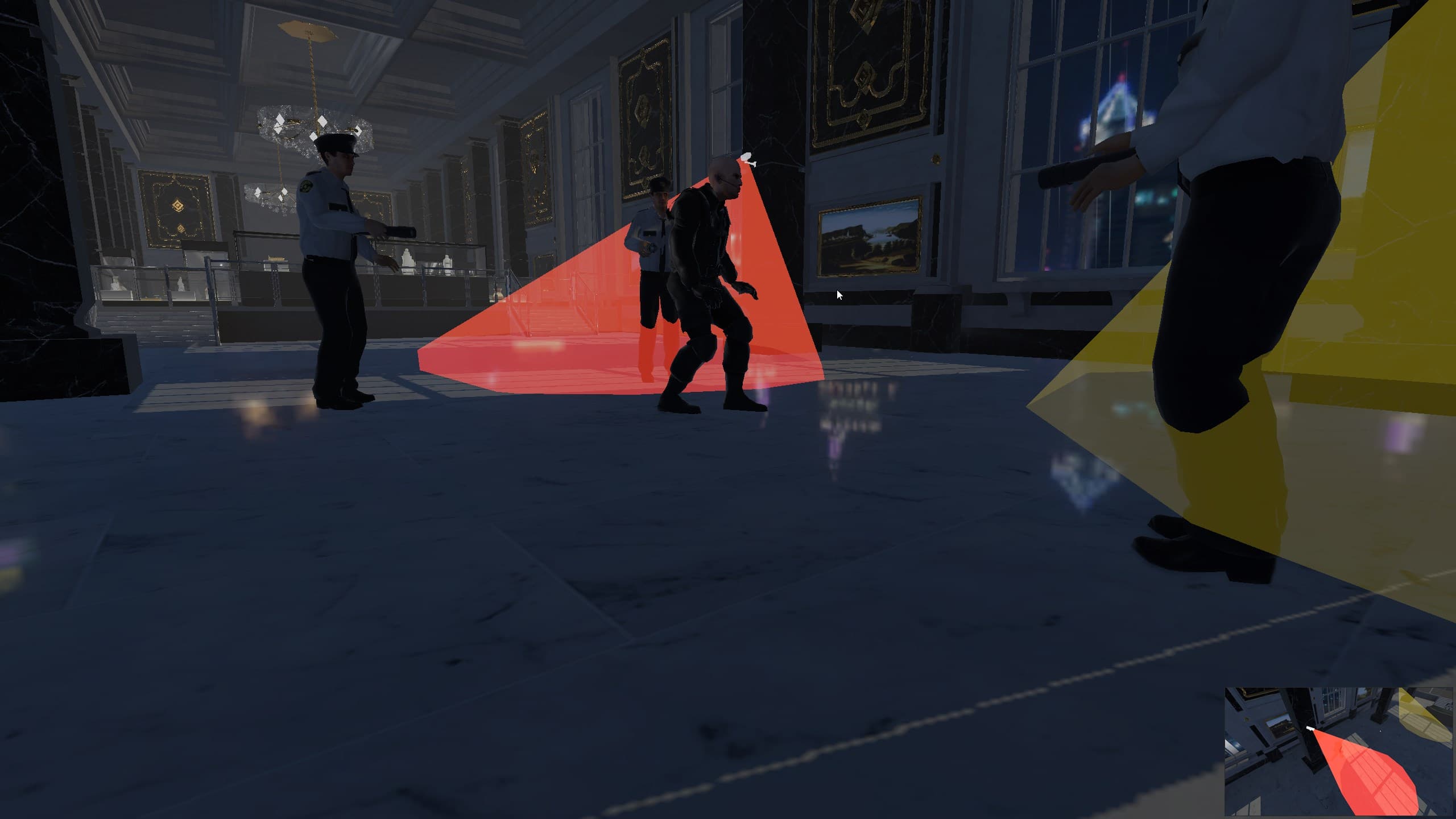
Screenshot from 'The Great Fleece' capturing the game over cutscene where the player's character has been caught. Dressed in a dark stealth suit, the player is surrounded by three security guards in a museum hall with dark marble walls and golden accents. All guards are pointing their flashlights directly at the player. Additionally, a security camera's field of view indicator has turned red, signaling that the player is under surveillance and detected.
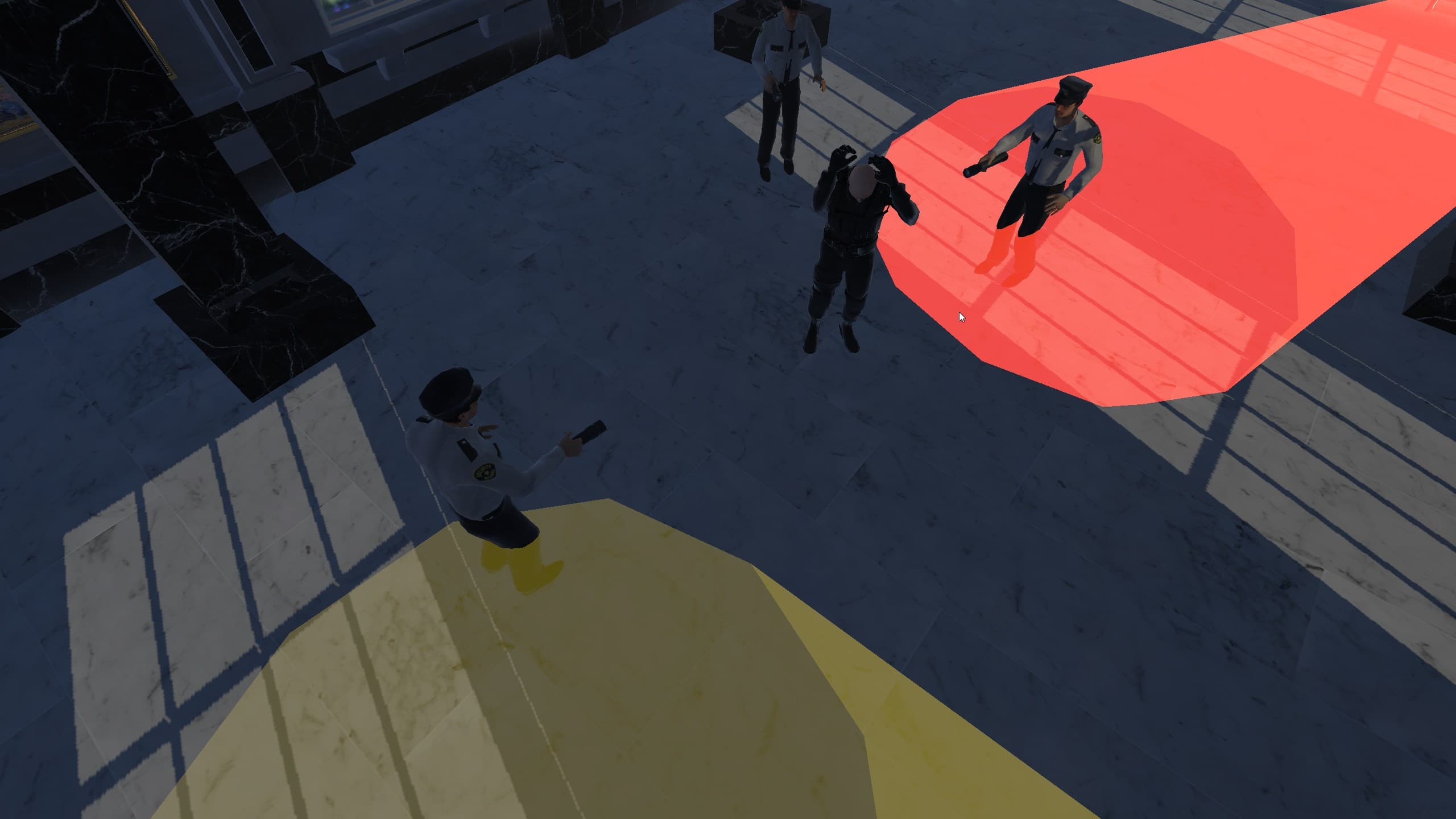
Screenshot from 'The Great Fleece' during a game over cutscene, viewed from an elevated angle.